How to Choose the Best Asset Tracking Software for UK Businesses (2026)
Learn how to choose the best asset tracking software for your business. Discover key features to look for, why spreadsheets fail, and how to improve a...
Read articleFor IT teams issuing devices to employees and shared workspaces
Know who has each laptop and keep its issue and return on record.
Interactive demo: sample records, no signup or credit card.
Record its identity and serial number.
Scan its label or search its asset record.
Record who receives the laptop.
Look up the current recorded custodian.
Check the laptop in when it is handed back.
Review recorded users and transactions.
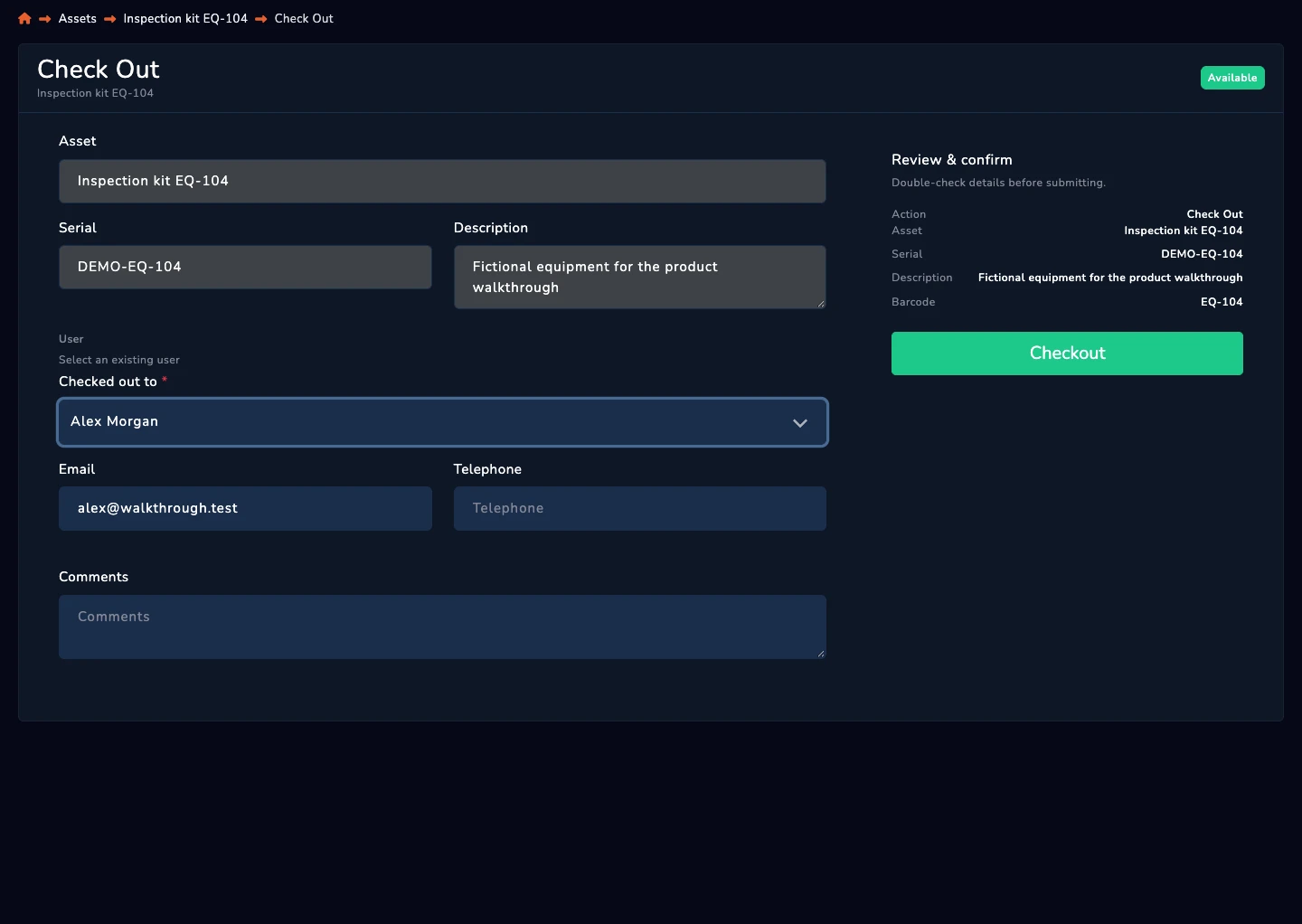
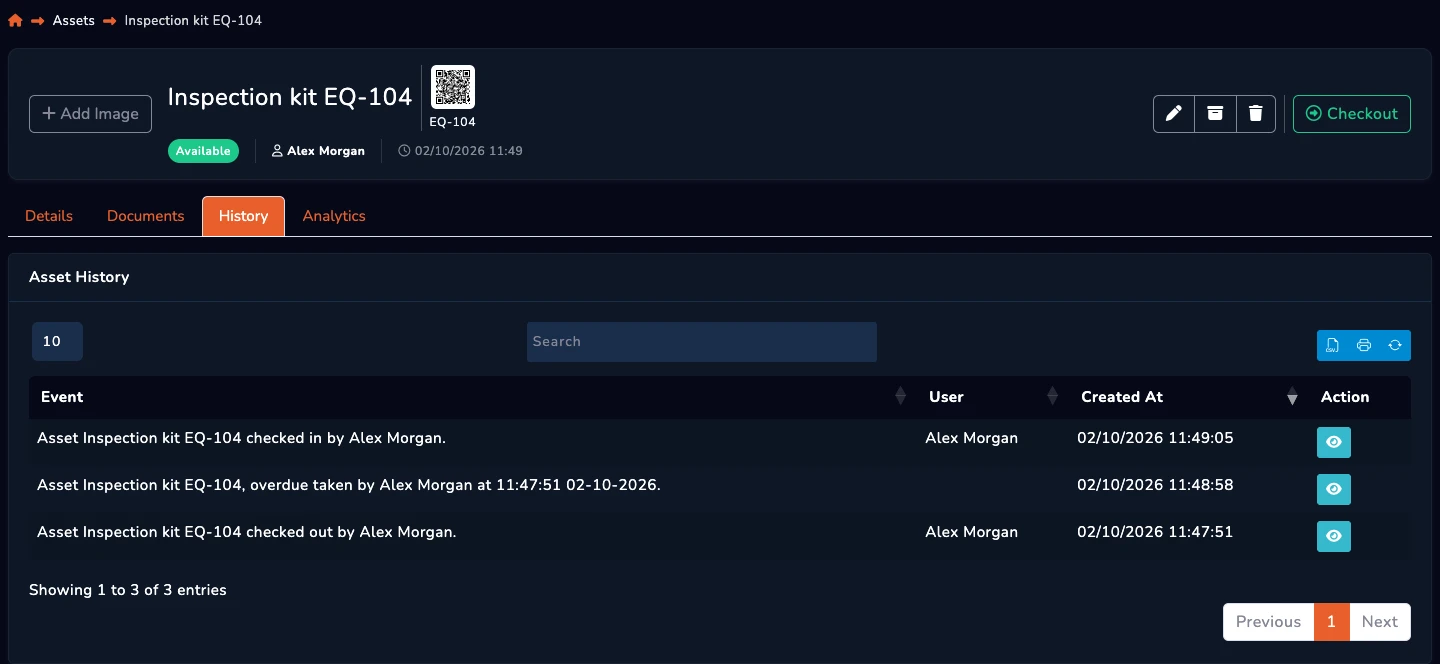
This manages physical laptop custody. It does not discover installed software, remotely wipe devices or replace device management. The screens illustrate the shared equipment workflow.
Keep the employee and device record connected.
Review the devices recorded against the holder.
Check the recorded status before another issue.
From the blog