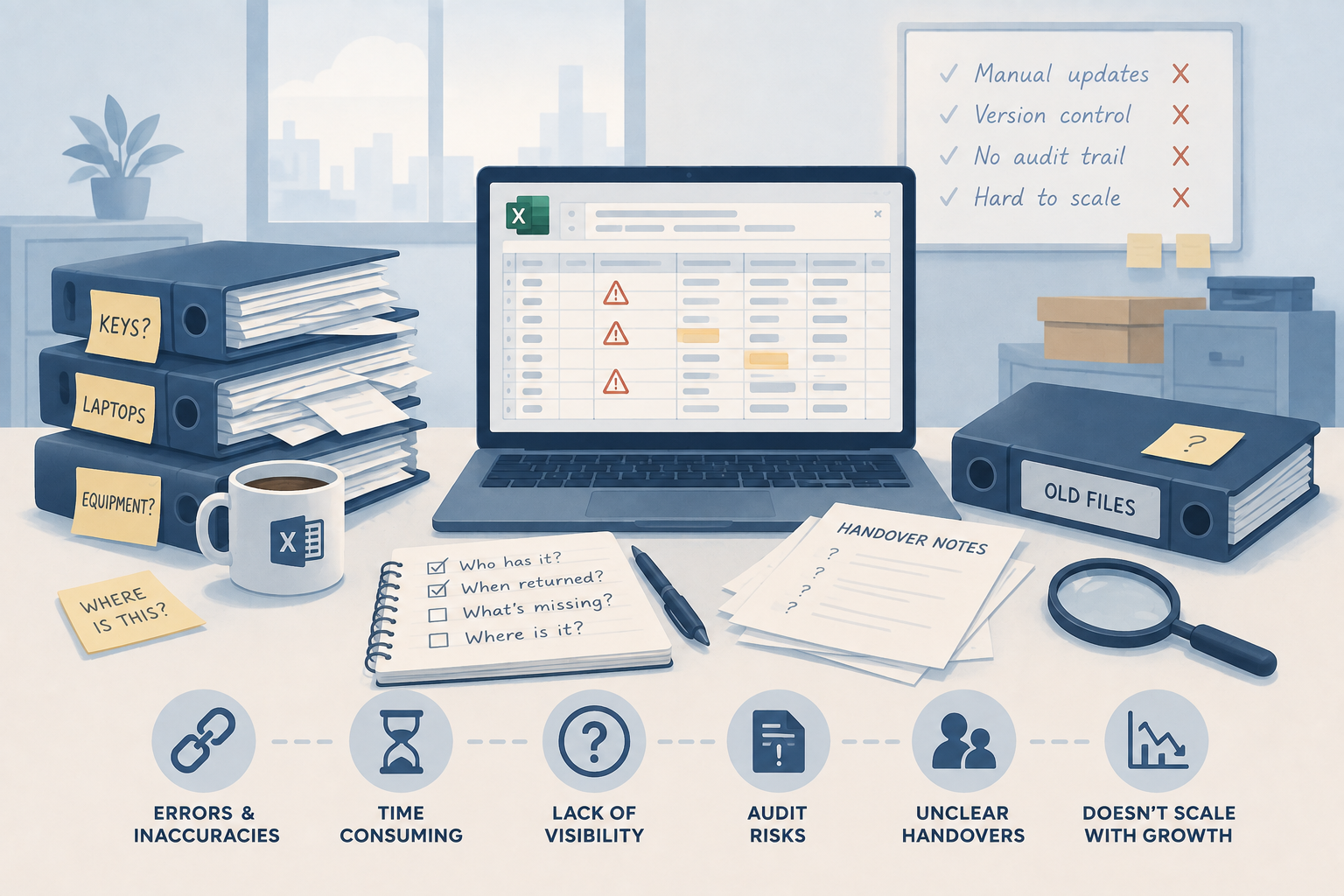
Key and Equipment Handover Checklist: What to Record
A clear handover starts with more than a name. Use this practical checklist to record who has an item, where it is going and what happens when it come...
Read articleCustomer-key custody for security teams
A customer entrusts you with the keys to their premises. Record which officer takes them, when custody changes and whether they come back—so a missing key starts with evidence, rather than a round of phone calls.
No signup or credit card required for the demo.
Ready to try your own workflow? Start 30-Day Trial — £2.99
An officer collects a customer’s key bunch for an evening patrol. A relief officer takes over at midnight. By morning, the bunch has not returned. A signature in yesterday’s key book only tells you how the night started.
AssetControl Cloud gives each customer key or bunch its own custody history. Connect the record to the customer site, identify the current holder and review the recorded handovers when a customer needs an answer.
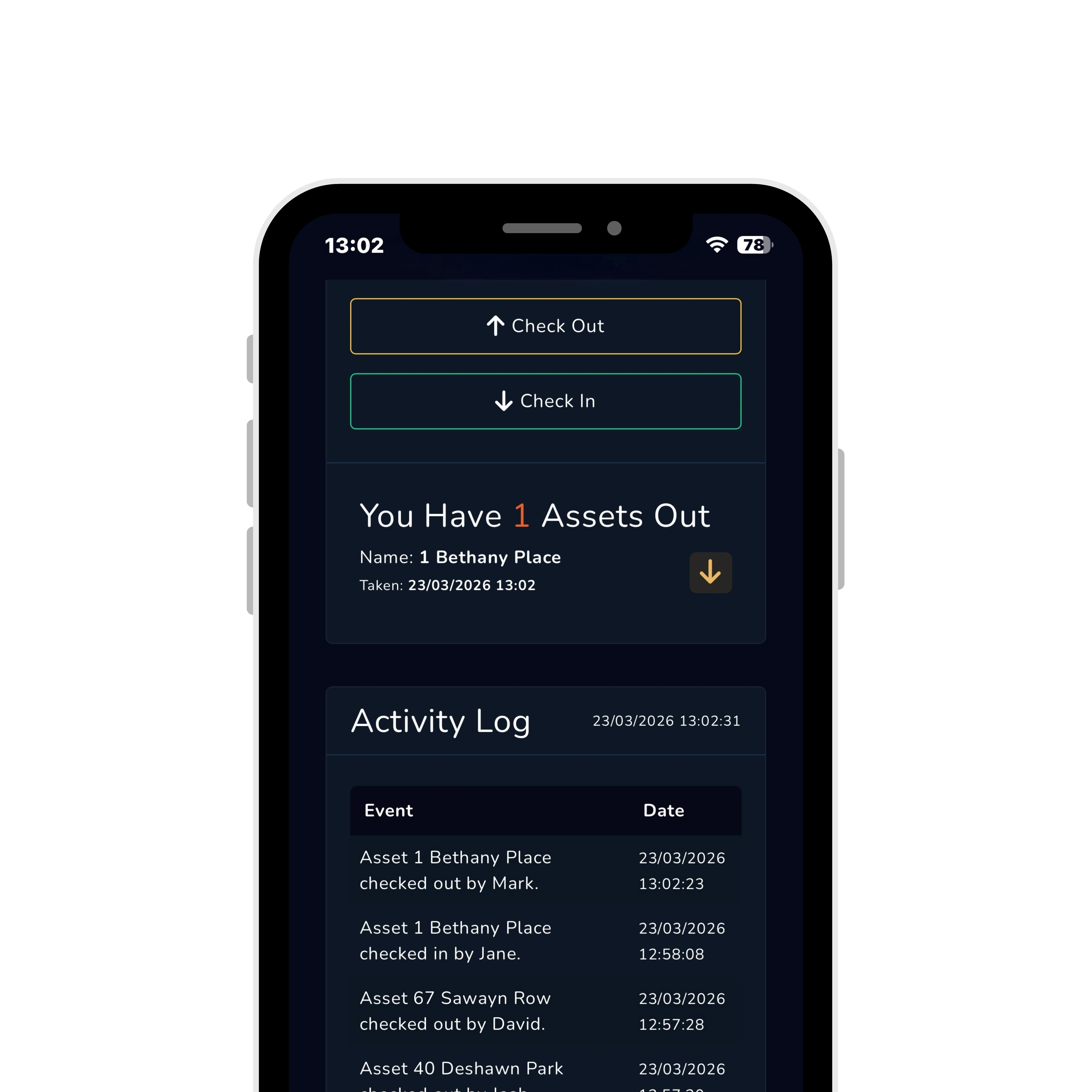
At a busy security desk, keys pass from one officer to another while the phone rings and the next patrol is waiting. Record the handover against the key there and then, with the receiving holder and an expected return.
Use the key’s barcode or QR label to open the correct record quickly. At shift change, record the next holder; when the key comes back, complete the return so the desk can see that custody has ended.
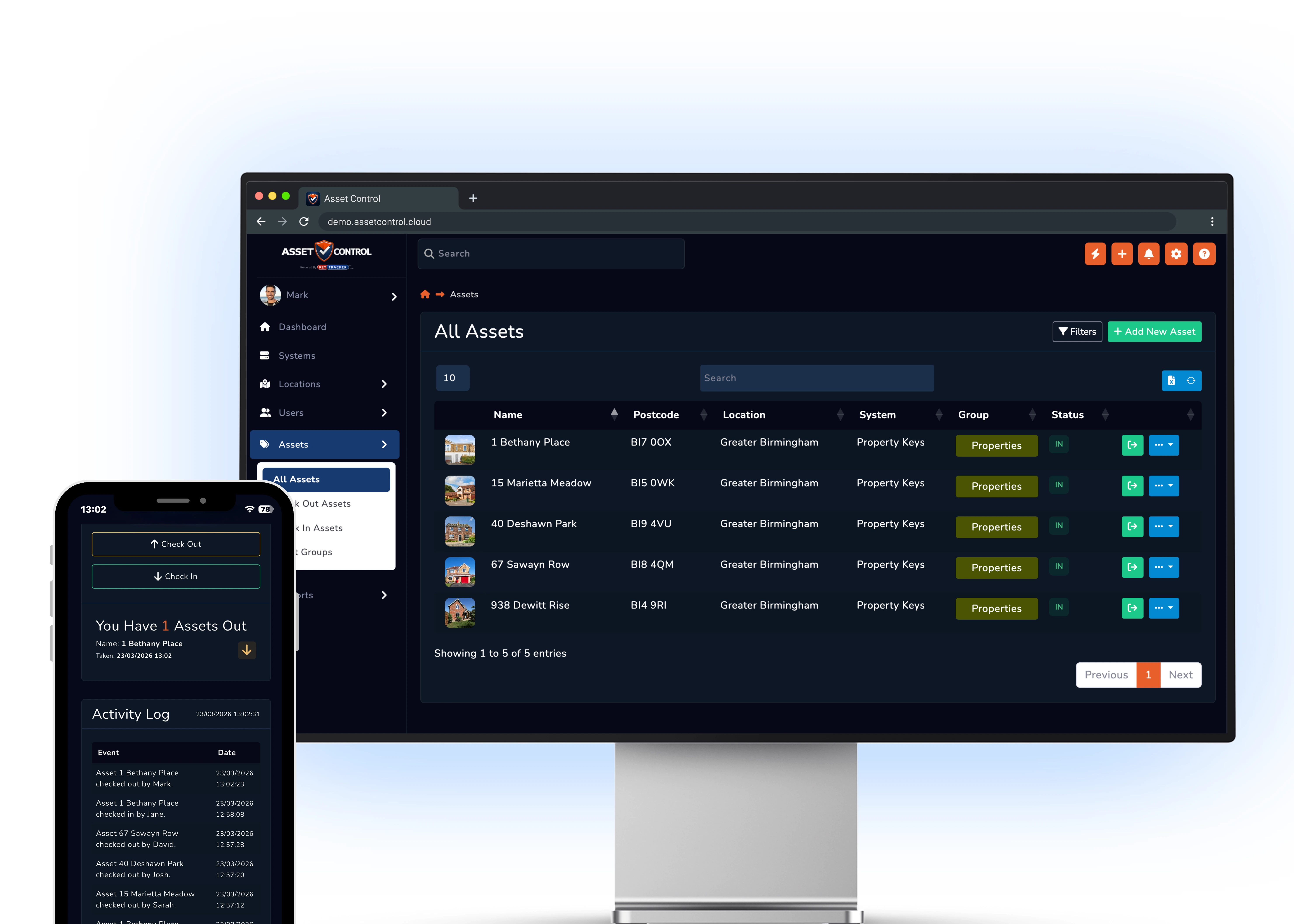
When a customer reports a missing key, review the recorded issues, handovers and returns for that key. Establish the last recorded holder and the times custody changed before starting your enquiries.
Share the recorded activity with the people handling the enquiry. A clear trail helps you explain what was recorded, follow up overdue keys and support the customer conversation without piecing together separate notebooks.
The useful record is the one that tells the desk who has the customer’s key, how it got there and when it is due back.

Record who takes the customer’s key and the expected return at the start of the patrol.

When an officer passes keys to a colleague, update the holder instead of leaving yesterday’s name on the record.

Follow the recorded issue, transfer and return activity when investigating a missing bunch.

Use a barcode or QR identifier to open the right record when several customer bunches look alike.

Organise key records by the building or secure area they belong to.

Give authorised staff a way to record key activity when a handover happens on site.
Use the same custody process for patrols, relief cover and temporary contractor access.
Identify the recorded holder and follow up the overdue return before the next patrol needs the bunch.
Capture the change of holder so the desk can distinguish the first officer from the relief officer.
Review the timestamped trail for that key instead of relying on recollections of the shift.
Record the recipient and due-back date, then close the transaction when the customer’s keys return.
Test a complete patrol cycle: issue the key, change the officer holding it, record its return and review the history.
Show us how keys move between your desk, patrol officers and relief cover. We’ll walk through recording the issue, handover and return, then finding the evidence when the customer asks.
From the blog