How to Track Equipment Transfers Between Engineers
Equipment doesn't always return to stores before changing hands. Discover how to track transfers between engineers, maintain accurate records and avoi...
Read articleEquipment handovers for facilities teams
A contractor takes a floor-cleaning machine from Building A to Building B. The next team needs it—and its latest service record. Record where equipment goes, who takes responsibility and what work has been carried out before the next handover.
No signup or credit card required for the demo.
Ready to try your own workflow? Start 30-Day Trial — £2.99
A shared floor-cleaning machine is borrowed for another building. The register still puts it in the original store, the caretaker who arranged the move is off duty, and the next team starts searching the wrong place.
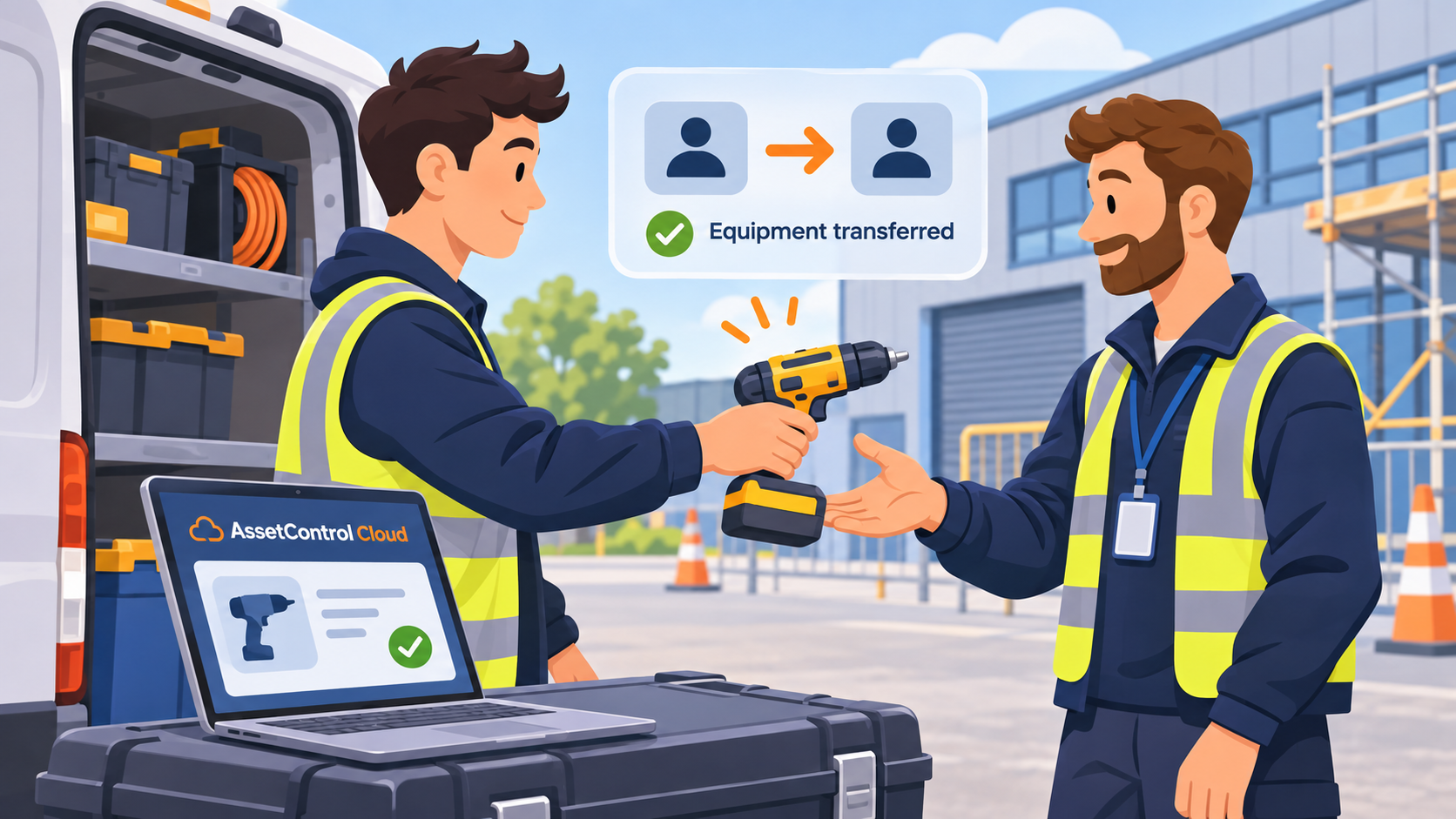
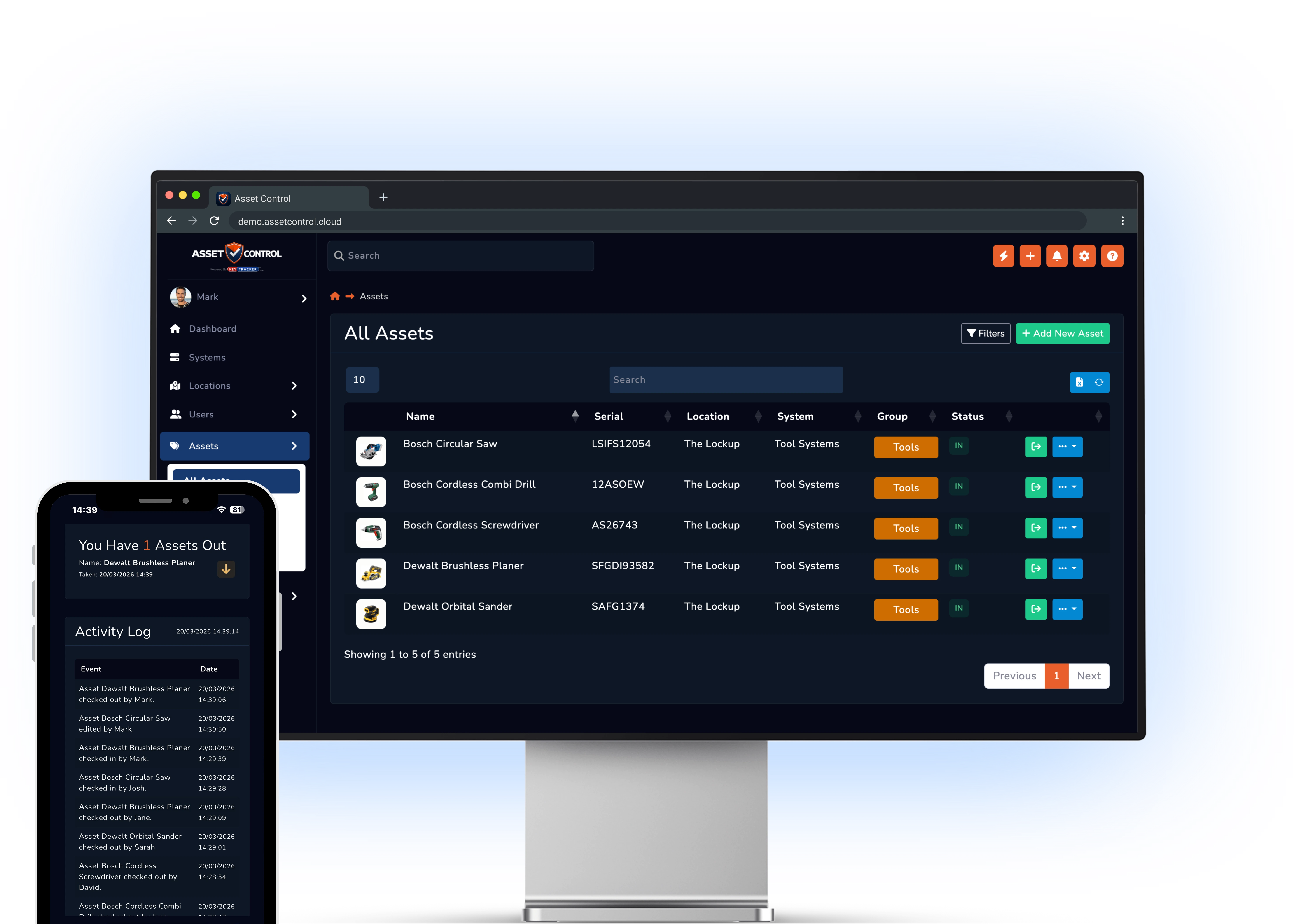
AssetControl Cloud lets the team record the destination building and the person holding the equipment. The movement history follows the individual item, so the next shift can start with its recorded location and holder.
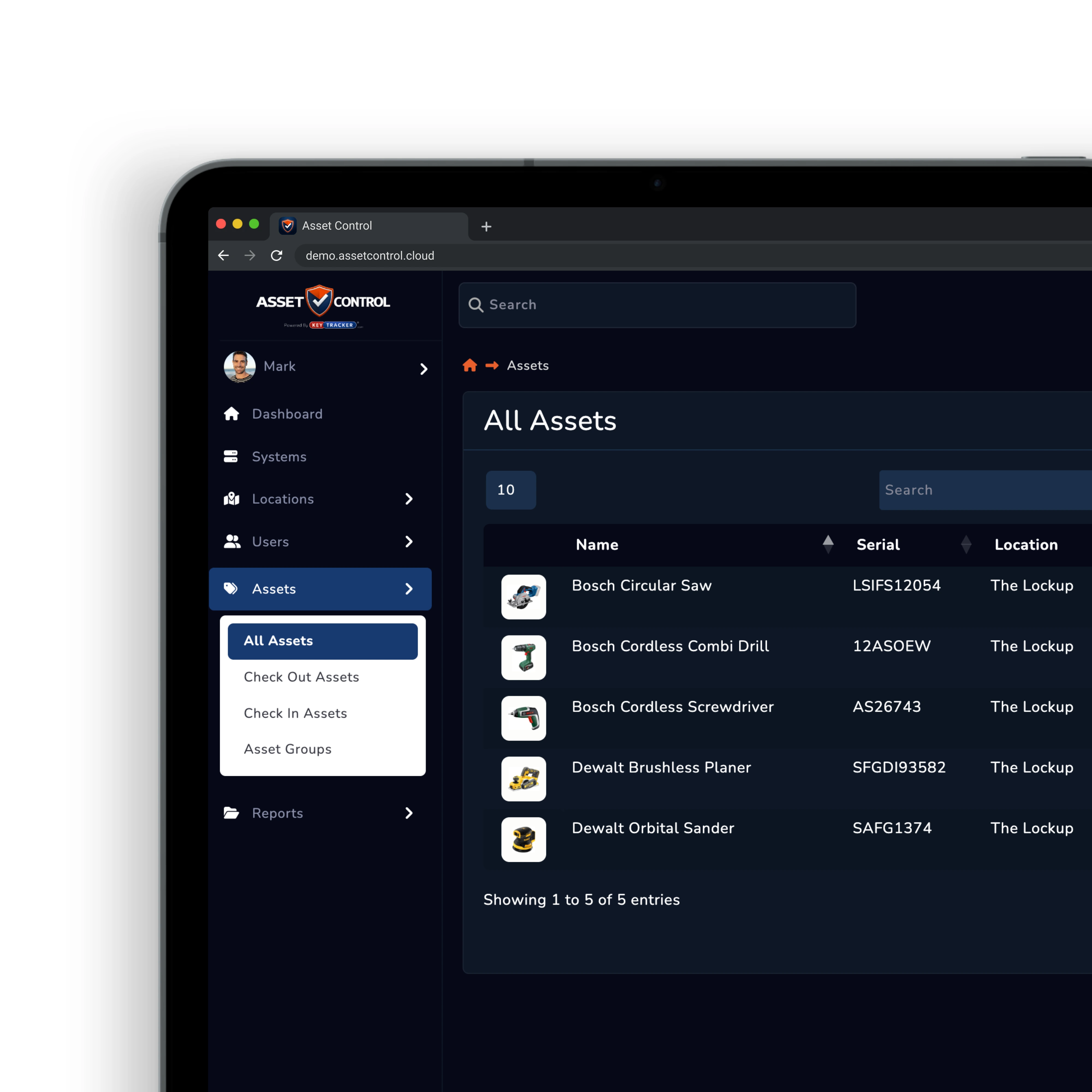
Equipment leaves the facilities store with an external contractor. A message confirms collection, but it says little about the specific item, when it is due back or who should chase it.
Record the named recipient, equipment identifier and expected return at collection. On return, check the item back in and update its condition so the next facilities team knows what has come back.
A team needs a piece of equipment, but the latest service report is in a contractor’s email and the fault note is on paper. Finding the machine does not answer whether it is ready for the next job.
Keep completed work, supporting documents and service requirements against the equipment record. Before arranging the next handover, review the item’s recorded condition, maintenance history and work still needing attention.
Each equipment record should answer where it went, who took it and what work it needs before its next use.

Organise equipment by building, floor, room and store, and record its movement between them.

Record who receives the equipment and when the team expects it back.

Keep repair notes, service history and supporting documents with the individual equipment record.

Use barcode or QR identification to select the correct machine during a busy store handover.

Keep inspection notes and reported defects with the item so another building can review them.

Allow authorised teams to record movements and maintenance activity away from the central office.
Shared machines and tools need a handover trail that survives a change of building, shift or contractor.
Update its recorded destination and holder so the original team knows where to start looking.
Review the expected return and recipient before assigning the same equipment to another job.
Record the defect and review previous work before the item is handed out again.
Open the equipment record to find the completed servicing and any outstanding requirements.
Try a transfer to another building, a contractor checkout, a return and a service update on the same equipment record.
Bring a shared-equipment or contractor-loan scenario to your demo. We’ll walk through the building transfer, named handover and service history your next shift needs to see.
From the blog