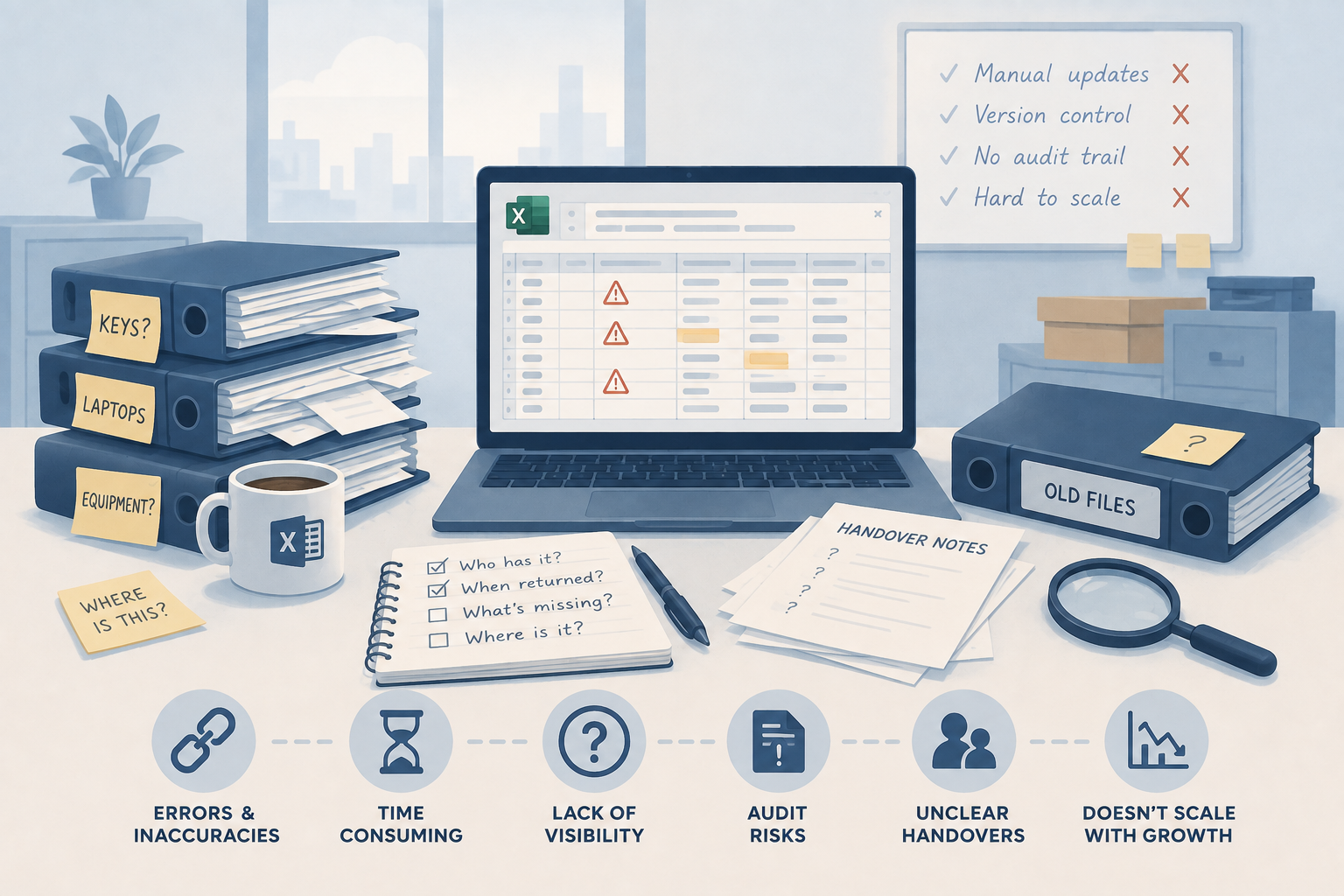
The Spreadsheet Is Lying to You: Why Manual Key and Asset Tracking Breaks Down
A spreadsheet feels free until it costs you an audit, a missing asset, or an unclear handover. Here's why manual tracking breaks down at scale, and wh...
Read articleCloud asset management guide
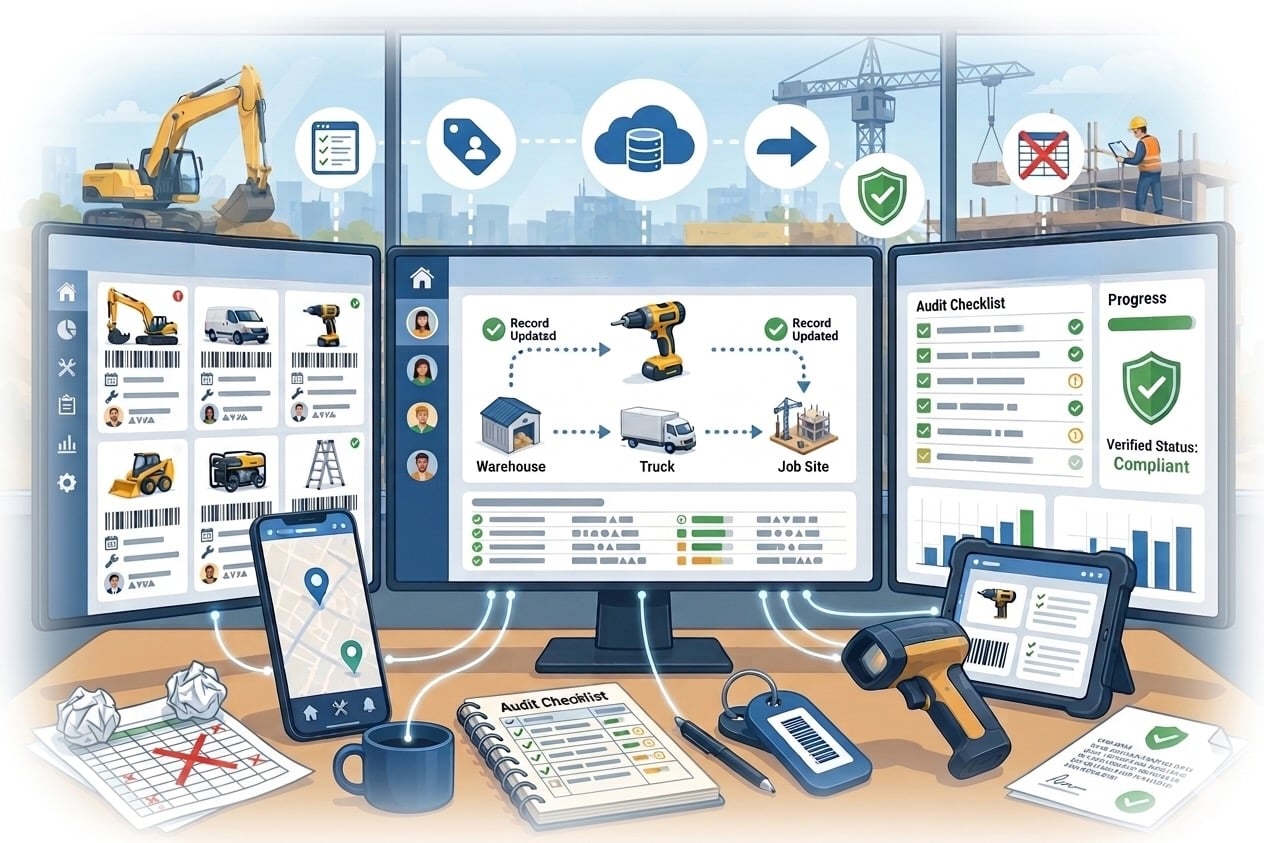
Cloud based asset management gives authorised teams one shared, online record of physical equipment, keys and other operational assets. It replaces disconnected spreadsheets and local files with current information that people can access wherever work happens.
The short answer
Choose a cloud-based system when several people or sites need to see who has an asset, where it belongs, when it is due back and what has happened to it. Prioritise simple daily workflows, appropriate security controls and a clear implementation plan over the longest possible feature list.
At a glance
Compare the approaches, then use the guidance below to decide what fits your operation.
| Decision factor | Cloud-based approach | What to verify |
|---|---|---|
| Access | Authorised users work from a shared system through a web browser. | Confirm mobile usability, role-based permissions and how access is removed when responsibilities change. |
| Data accuracy | Checkouts, returns, locations and service activity update one central record. | Test whether frontline staff can complete common actions quickly enough to keep records current. |
| Multi-site control | Teams can use a consistent asset structure across offices, stores and operational sites. | Check how the system separates locations while giving managers the oversight they need. |
| Maintenance | Service dates, work history and supporting information stay with the asset record. | Confirm reminders, work-order ownership and the evidence available after work is completed. |
| Implementation | The provider operates the application and releases platform updates. | Understand data import, backups, support, availability, security responsibilities and exit options. |
| Cost | Subscription pricing replaces much of the infrastructure required for a locally hosted system. | Compare the full cost at your expected number of users, assets and sites, including setup and labels. |
A cloud-based asset management system stores asset records in a managed online application rather than in a spreadsheet on one person’s computer or software hosted on an organisation’s own server. When teams compare approaches to asset management, cloud based systems remove much of the infrastructure they would otherwise operate themselves. Users sign in to the same system, subject to their permissions, so the current record is available across departments and locations.
For physical assets, the record can include an identifier, description, condition, assigned person, home location, checkout history, documents and servicing activity. QR codes or barcodes can make the record easier to open, but the label identifies the item; it does not continuously report its location.
The main benefit is not simply remote access. It is a common source of truth for the decisions people make every day. A security officer can record a key handover, a facilities coordinator can review an upcoming service, and a manager can investigate an overdue item without reconciling several files.
That visibility is particularly useful when assets move between users or sites. Named custody, timestamps and activity history create evidence that a static register cannot provide on its own. Teams spend less time asking where equipment is and gain a clearer basis for follow-up, audits and replacement decisions.
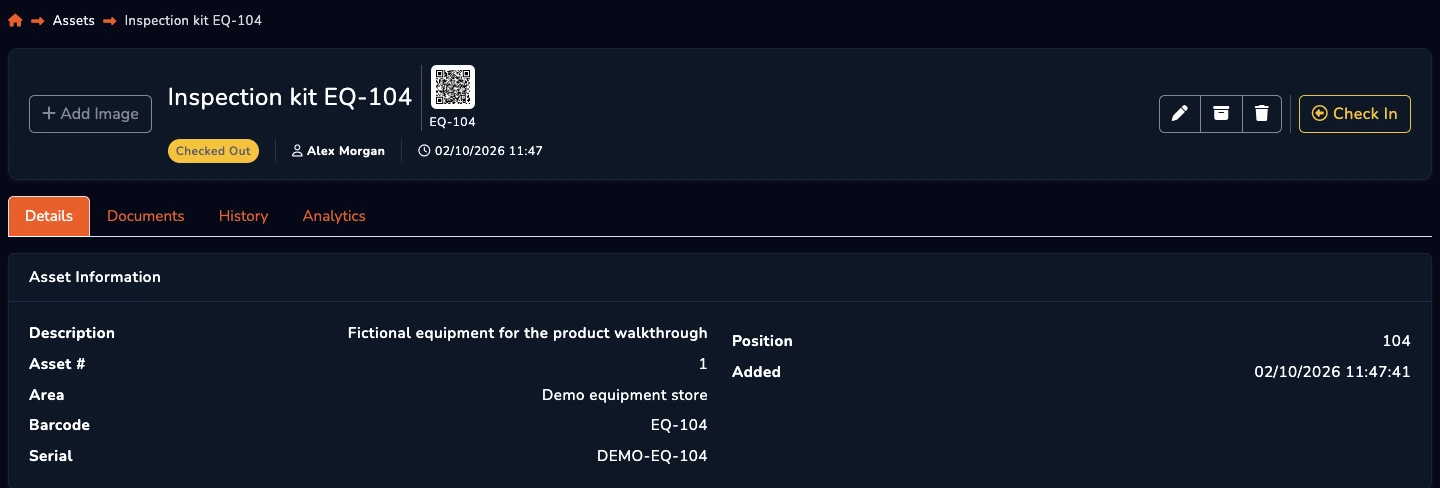
Begin with the workflow that is failing today. If shared tools go missing, test checkout, return, overdue and handover actions. If maintenance is the concern, follow a service from reminder through completion. If several sites are involved, confirm that local teams can work efficiently while authorised managers retain wider visibility.
Look for a searchable asset register, configurable fields, QR or barcode support, transaction history, locations, user groups, permissions, maintenance records, reporting and practical import and export tools. Notifications can help, but they should support named responsibility rather than become a substitute for it.
Moving from local files to a cloud service changes the division of responsibility; it does not remove it. The supplier operates the platform, while your organisation still decides who should have access, how accurate records are maintained and how leavers or role changes are handled.
Ask prospective suppliers about authentication, encryption, backups, recovery, service availability, audit logs, data location, retention, incident processes and subcontractors. Review contractual terms and privacy obligations with the people responsible for information security and data protection. Also confirm how you can export your records if you later change systems.
Start with a defined operational problem and one representative group of assets. Clean duplicate and obsolete records, agree naming and status conventions, assign ownership, and decide which fields are genuinely required. Importing every historic column before those decisions usually transfers confusion into the new system.
Run a pilot with the people who will scan labels, issue equipment and resolve exceptions. Measure record completeness, time to complete common tasks, overdue items and time spent locating assets. Refine the process, document responsibilities and then expand in manageable phases. A successful rollout is one that staff keep accurate after the project team steps away.
A few useful answers
Clear answers to help you choose the right approach for your team.
From the blog