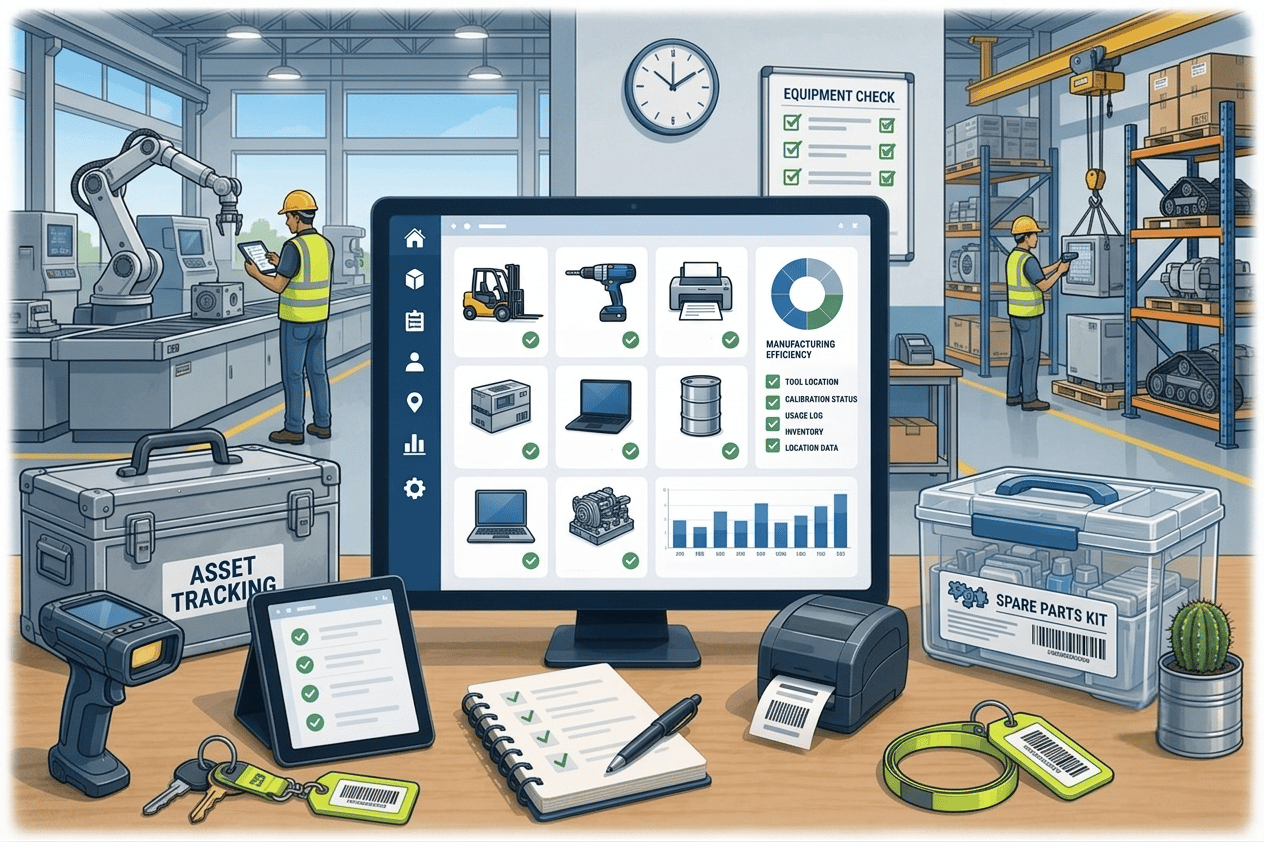
Asset tracking for manufacturing and warehousing
Manufacturing and warehousing environments run on tight margins and tight schedules. When tools and equipment go untracked, the knock-on effect is fel...
Read articleConstruction software buyer’s guide
Construction asset management software helps contractors control tools, equipment and other durable assets as they move between stores, operatives, vehicles and active sites. The right system depends on whether the immediate problem is custody, live location, maintenance, utilisation, stock or project handover data.
The short answer
Start with the operational question that costs the team time or money today. AssetControl Cloud is a strong fit when you need accountable tool issues, returns, site transfers, QR or barcode records and service history. Evaluate telematics, fleet, CMMS, inventory or BIM-focused products when continuous location, machine data, complex maintenance, consumables or installed-asset handover is the primary requirement.
How this guide was prepared: This guide is published by AssetControl Cloud. It distinguishes software categories openly so construction teams can shortlist products against their real workflow rather than assume one platform covers every asset-management requirement.
At a glance
Compare the approaches, then use the guidance below to decide what fits your operation.
| Decision factor | Best suited to | What to verify |
|---|---|---|
| Custody and checkout software | Tools and equipment issued to named operatives, teams, vehicles or sites. | Fast issue and return actions, due-back control, transfers, signatures and complete history. |
| QR or barcode tracking | Affordable identification during checkouts, stocktakes and site audits. | Label durability, mobile scanning, existing barcode support and offline requirements. |
| GPS or telematics | Vehicles, plant and high-value mobile equipment requiring location or machine data between handovers. | Hardware, installation, battery or power, connectivity, coverage, alerts and ongoing data costs. |
| Maintenance or CMMS | Preventive maintenance, inspections, work orders, parts and technician planning. | Maintenance depth, meter readings, job scheduling, parts control and evidence of completion. |
| Inventory management | Consumables, fixings, PPE and materials managed by quantity rather than individual custody. | Reorder points, units, batches, purchasing, allocation and stock adjustments. |
| BIM and handover records | Installed assets that must be documented from construction into building operation. | Model links, structured asset information, approvals, inspections, documents and handover requirements. |
Construction teams use the word asset for very different things: a drill issued for the day, a generator transferred between projects, a hired excavator, a box of fixings or a fire-safety system installed in a completed building. Those assets do not share the same workflow, value or evidence requirements.
Define the scope before comparing software. List the durable items that need an individual record, the consumables controlled by quantity, the powered assets that may need telematics and the installed assets that form part of project handover. This prevents specialist requirements from becoming a vague, expensive feature list.
For many contractors, the first problem is not live GPS location. It is knowing who accepted a tool, which site or vehicle now holds it, when it should return and what happened during previous handovers. A named, timestamped transaction creates a practical starting point for recovery and accountability.
Test the workflow at the pace of a busy store. Staff should be able to identify an item, issue it, record its destination, transfer responsibility and complete the return without creating a queue. If the correct process is slower than the informal workaround, records will lose accuracy after launch.
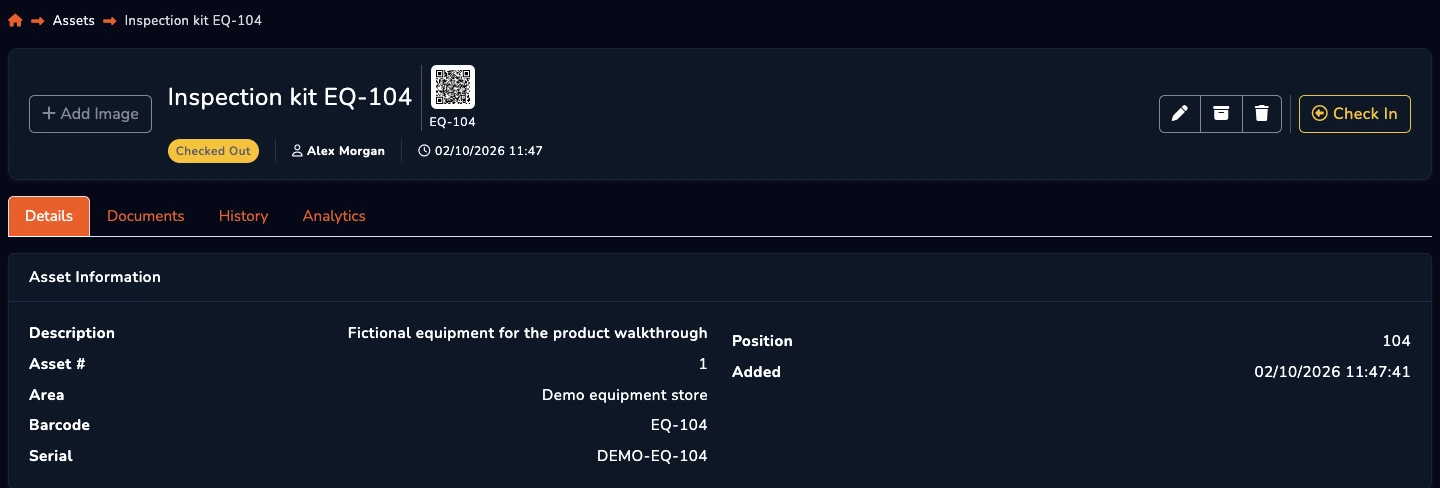
QR codes and barcodes identify an item when somebody scans its label. They are inexpensive and effective for controlled issue, return and audit points, but they do not continuously broadcast location. Label material, placement and the scanning device matter on dusty, wet or high-wear sites.
GPS and telematics can report geographic position or operating data for suitable powered assets. They introduce hardware, installation, connectivity, battery, subscription and privacy considerations. Use them where the value and mobility of plant justify continuous data, rather than attaching the most complex technology to every tool.
A location is only useful when the asset is also safe and ready for work. Buyers should test how the system records inspections, faults, restrictions, upcoming maintenance and completed repairs. The current holder should not be mistaken for availability when an item is awaiting service.
Straightforward service reminders and history may be sufficient for shared tools and equipment. Operations with meter-based servicing, parts warehouses, technician dispatch or complex preventive-maintenance plans should assess a dedicated CMMS, EAM or fleet-maintenance platform and decide which status information needs to connect to the custody record.
Use representative equipment and real exception cases. Issue several tools during a busy period, transfer one to another site, report damage, recover an overdue item and complete a service record. Include store staff, supervisors and operatives in the evaluation rather than relying only on an administrator’s demonstration.
Measure transaction time, missing fields, search time, overdue recovery and record accuracy. Confirm permissions, mobile usability, imports, exports, support and pricing at the expected number of assets, users and sites. Start with one store or project, refine responsibilities and labels, then expand using the process that the pilot proved.
A few useful answers
Clear answers to help you choose the right approach for your team.
From the blog