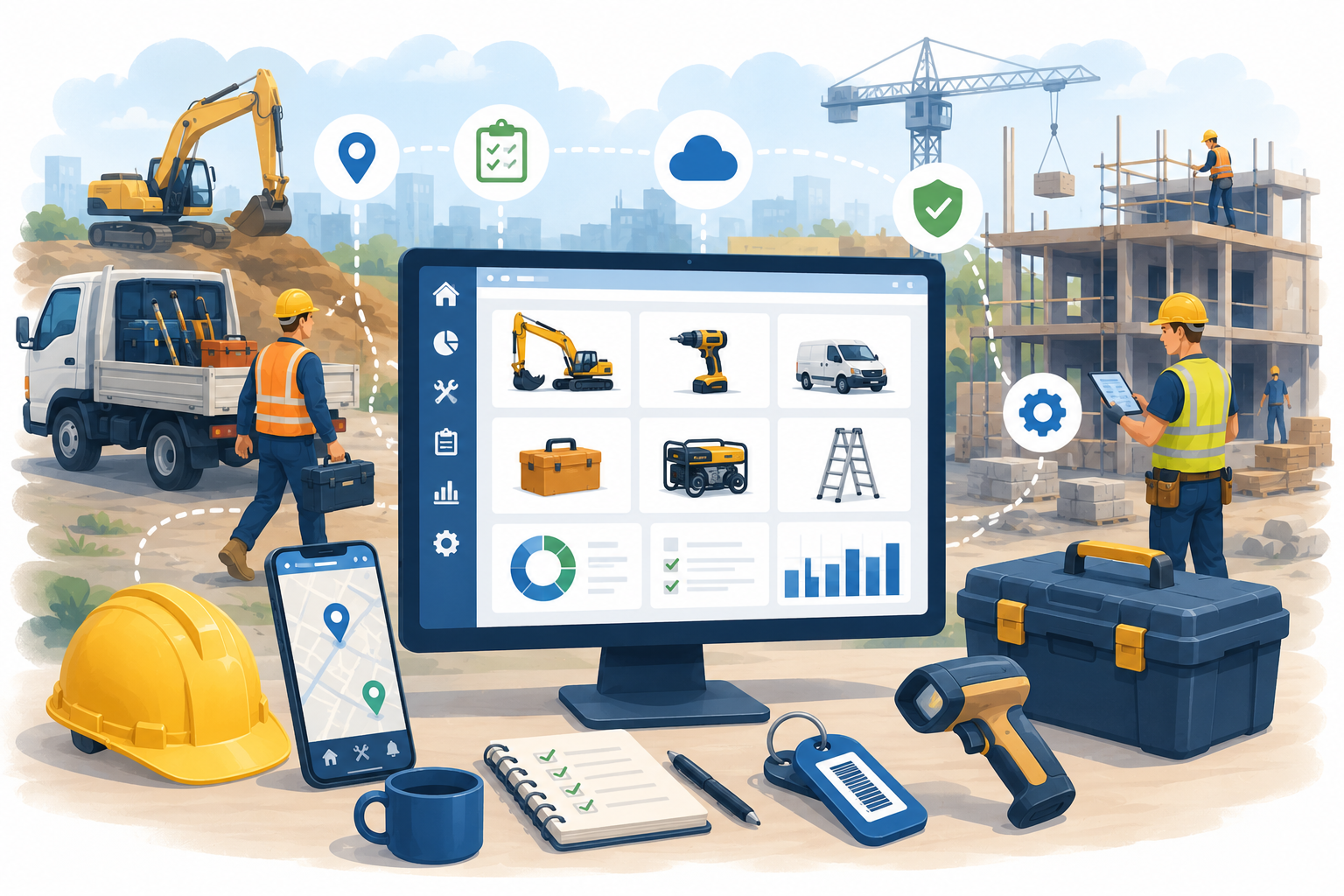
How to stop losing tools and equipment on site — and build accountability into the way your team works.
Tools and equipment are the lifeblood of any construction or trade business. Without them, work stops.
Yet for many businesses in the sector, tracking what's on site, who has it, and where it went when it's missing is still done informally — if at all.
This guide covers why asset tracking matters for construction and trade businesses, what good looks like, and how AssetControl helps teams stay in control without adding complexity to an already busy operation.
The Problem With How Most Sites Manage Equipment
On a busy site, tools and equipment move constantly. They travel between workers, vans, storage units, and multiple locations — sometimes all in the same day.
Without a structured system, this creates real problems:
- Tools go missing and nobody knows where to start looking
- Equipment is duplicated because teams don't know what's already available
- High-value assets leave site without any record of who took them
- Maintenance is missed because there's no central record of service history
- End-of-project reconciliation becomes a guessing game
These aren't minor inconveniences. Lost or untracked equipment has a direct cost — in replacements, delays, and time spent searching for things that should be easy to locate.
We cover the financial impact of this in more detail here: The Hidden Cost of Lost Equipment
Why Spreadsheets Don't Work on Site
Many construction businesses attempt to manage assets with spreadsheets or paper logs. In a controlled office environment this is already difficult to maintain. On a working site, it's close to impossible.
Common issues include:
- Logs that aren't updated because workers are too busy
- No visibility of assets across multiple sites at once
- No way to assign responsibility to individual team members
- Data that's outdated before anyone reads it
As soon as equipment starts moving between people and locations, manual tracking breaks down.
For a broader look at why this happens, this is worth reading: Why Businesses Lose Track of Assets
What Construction and Trade Businesses Actually Need
The right asset tracking system for a construction or trade business needs to work in the real world — on site, in a van, in all weathers, with a team that hasn't got time for complicated software.
That means:
Speed Assets should be updated quickly — ideally with a QR code scan rather than manual data entry.
Mobile Access Your team needs to be able to check and update asset records from a phone, not a desktop in an office.
Clear Accountability Every asset should be assigned to a person or location, with a record of any changes.
Multi-Site Visibility If you're running more than one site, you need to see everything in one place — not manage a separate system for each location.
Maintenance Tracking Tools and equipment need servicing. A good system keeps those schedules visible and sends reminders before they're missed.
You can see how AssetControl handles all of this here: AssetControl.cloud Features
How AssetControl Works for Construction Teams
AssetControl is built around simplicity. There's no lengthy onboarding, no technical setup, and no need for your site team to learn complicated software.
Here's how it works in practice:
- Assets are added to the system — tools, equipment, vehicles, whatever needs tracking
- Each asset gets a QR code label
- Team members scan to check out equipment when they take it
- The system records who has it, when they took it, and from which location
- Managers have a live view of every asset across every site from a single dashboard
- Maintenance schedules are tracked against each asset automatically
When something goes missing, you don't have to ask around the site. You check the system.
Managing Assets Across Multiple Sites
One of the biggest challenges for growing construction businesses is maintaining visibility when equipment is spread across multiple locations.
With AssetControl, every site is managed within the same system. Managers can:
- See which assets are on which site in real time
- Transfer assets between locations with a full record of the movement
- Identify underused equipment that could be redeployed elsewhere
- Spot patterns in losses or damage across different sites
This level of visibility is not possible with spreadsheets or paper logs — and it becomes more valuable the more sites you run.
Accountability on Site
One of the most common frustrations in construction asset management is the absence of accountability. Equipment disappears and nobody is quite sure who had it last.
AssetControl builds accountability into the process without making it feel like surveillance. When every asset has an owner and every movement has a record, the conversation shifts from "who lost it?" to "let's look it up."
This also has a practical impact on how carefully equipment is handled — when team members know assets are tracked and assigned to them, they're more likely to take care of them.
For more on how this connects to wider compliance and auditing needs, this is a useful read: Asset Compliance and Auditing
Reducing Equipment Loss and Replacement Costs
The cost of replacing lost or stolen tools adds up quickly, particularly for businesses running large teams or multiple sites. Beyond the purchase cost, there's the downtime while replacements are sourced and the knock-on impact on project timelines.
AssetControl reduces these costs by making it harder for equipment to go missing unnoticed. With clear records of who has what, assets are less likely to walk off site — and when something does go missing, it's far easier to identify where the process broke down.
Construction vs Spreadsheet: The Practical Difference
| Spreadsheet | AssetControl | |
|---|---|---|
| Updates on site | Rarely happens | QR scan in seconds |
| Multi-site visibility | Not possible | Single dashboard |
| Accountability | No audit trail | Full record per asset |
| Maintenance tracking | Manual, easy to miss | Built in with reminders |
| Scales with business | No | Yes |
Getting Started Is Straightforward
AssetControl is designed to be up and running quickly — no developers, no long onboarding, no disruption to how your team already works.
For construction and trade businesses, that matters. A system that takes months to implement and requires training to use is a system that won't get used.
With AssetControl, you can:
- Add your assets and assign QR codes from day one
- Give your site team access immediately
- Start tracking locations, assignments, and maintenance straight away
- See everything from a single dashboard as soon as assets are in the system
Final Thoughts
Construction and trade businesses rely on their tools and equipment to operate. Losing track of them — even temporarily — has a real cost in time, money, and operational efficiency.
Asset tracking doesn't have to be complicated. With the right system in place, accountability becomes part of how your team works, not an extra job on top of everything else.
AssetControl is built to make that straightforward — for businesses of any size, across any number of sites.
Ready to Take Control of Your Equipment?
If you'd like to see how AssetControl works for construction and trade businesses, book a demo today: Book a Demo