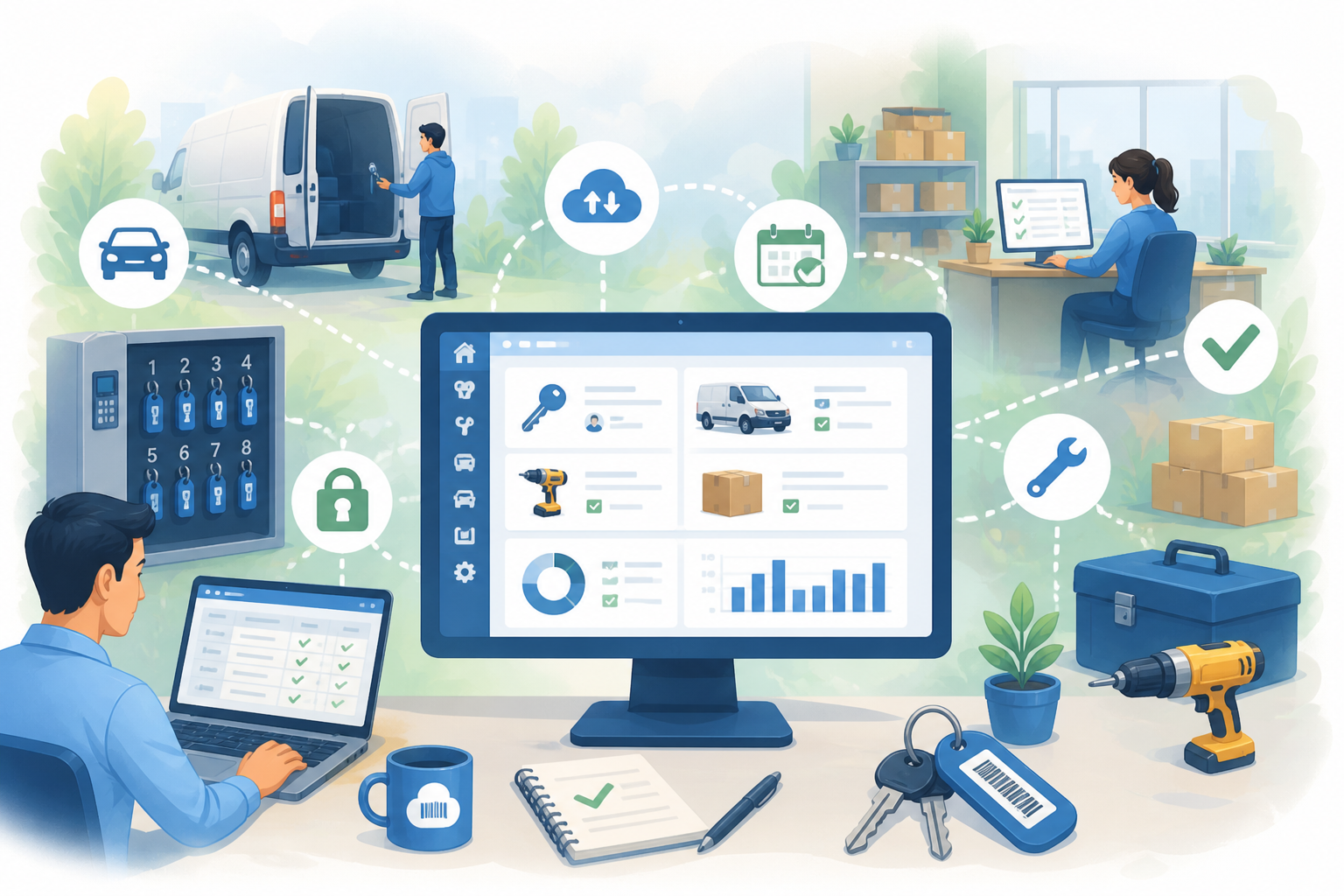
For many businesses, keys are one of the most overlooked parts of asset management.
Every key unlocks something valuable — a vehicle, a piece of equipment, a secure room. Without a clear system in place, businesses quickly lose visibility over who has access to what, and when.
AssetControl is designed to solve exactly this problem. Whether you're managing keys, physical assets, or both, this guide covers what good key and asset management looks like — and how to get there.
Why Keys Are an Asset Management Problem
Keys don't exist in isolation. They're directly linked to the assets they unlock, which means poor key management leads directly to poor asset management.
Common problems businesses face without a structured system:
- No clear record of who has a key or when it was taken
- Difficulty knowing which asset is currently in use
- Gaps in accountability across teams and locations
- Maintenance schedules that slip because asset availability is unclear
If your business relies on physical assets, tracking the keys to those assets is just as important as tracking the assets themselves.
For a broader look at how asset tracking supports this, read more here: Asset Management Software That Actually Works
Why Informal Key Management Breaks Down
Most businesses start with informal methods — a hook on the wall, a shared drawer, or a paper sign-out sheet. For very small teams this can work. As operations grow, it quickly becomes unmanageable.
Problems that emerge as businesses scale:
- Keys go missing with no audit trail
- Staff don't know who last had access
- Vehicles and equipment availability becomes unpredictable
- No connection between key movements and asset records
We cover the wider cost of this here: The Hidden Cost of Lost Equipment
What Good Key and Asset Management Looks Like
The goal isn't just to know where your keys are — it's to connect key movements to the assets they unlock, so you have a complete picture of how your business is operating.
With AssetControl, businesses can:
- Link each key directly to the asset it belongs to
- Maintain a full record of who accessed which asset and when
- Track maintenance schedules and service history against each asset
- Monitor availability across vehicles, equipment, and facilities
- Manage everything from a single centralised dashboard
This is the difference between knowing where a key is and knowing how your assets are being used.
You can see how these features work in practice here: AssetControl.cloud Features
Integrating With Key Management Hardware
AssetControl works alongside physical key management systems such as KeyTracker, which provides secure key storage via mechanical pegboards and electronic cabinets.
When paired with AssetControl:
- Key movements recorded in the cabinet are connected to asset records
- Managers can see who has a key and which asset is in use
- Usage history, service records, and operational status stay accurate
- The full picture — key and asset — is visible in one place
Hardware manages the physical security of the key. AssetControl manages the data behind it.
A Practical Example: Fleet Management
Consider a business managing a fleet of vehicles.
Without a connected system, drivers collect keys informally, vehicles leave without a log, and managers have no clear picture of availability or usage.
With AssetControl in place:
- The key movement is recorded — who took it and when
- AssetControl logs which vehicle is now in use
- Service history and inspection schedules stay up to date
- When the key is returned, the asset record is updated
- Managers have full visibility without chasing anyone for information
The result is less time spent searching for answers and more accountability built into everyday operations.
Spreadsheets vs AssetControl
Many businesses are still managing keys and assets with spreadsheets. The difference is significant:
| Spreadsheets | AssetControl | |
|---|---|---|
| Key and asset records | Manual, often outdated | Centralised and accurate |
| Audit trail | Relies on human input | Automatic |
| Real-time visibility | None | Full |
| Maintenance scheduling | Easy to miss | Built in |
| Scales with business | No | Yes |
If you're still unsure whether it's time to move on from spreadsheets, this is worth a read: Why Businesses Lose Track of Assets
How to Choose the Right Setup for Your Business
Before getting started, consider:
- How many assets and keys do you need to manage?
- How many staff members need access?
- Do you need a record of who accessed which asset and when?
- Are you managing assets across multiple locations or teams?
- What does your current system get wrong that you need to fix?
The best asset tracking solution is the one your team will actually use every day — simple to set up, easy to maintain, and built to grow with your business.
What You Get With AssetControl
- Full visibility over assets and the keys that access them
- A complete audit trail of every movement and usage record
- Maintenance and inspection schedules linked to each asset
- Real-time status across your entire asset register
- A single dashboard your whole team can work from
- Integration with physical key management systems where needed
Final Thoughts
Key management and asset management are two sides of the same problem. Tracking keys without tracking assets leaves gaps. Tracking assets without accounting for key access leaves gaps too.
AssetControl brings both together, giving businesses a clear, connected view of their assets — and the accountability to match.
Ready to Get Started?
If you'd like to see how AssetControl can improve the way your business manages keys and assets, book a demo today: Book a Demo