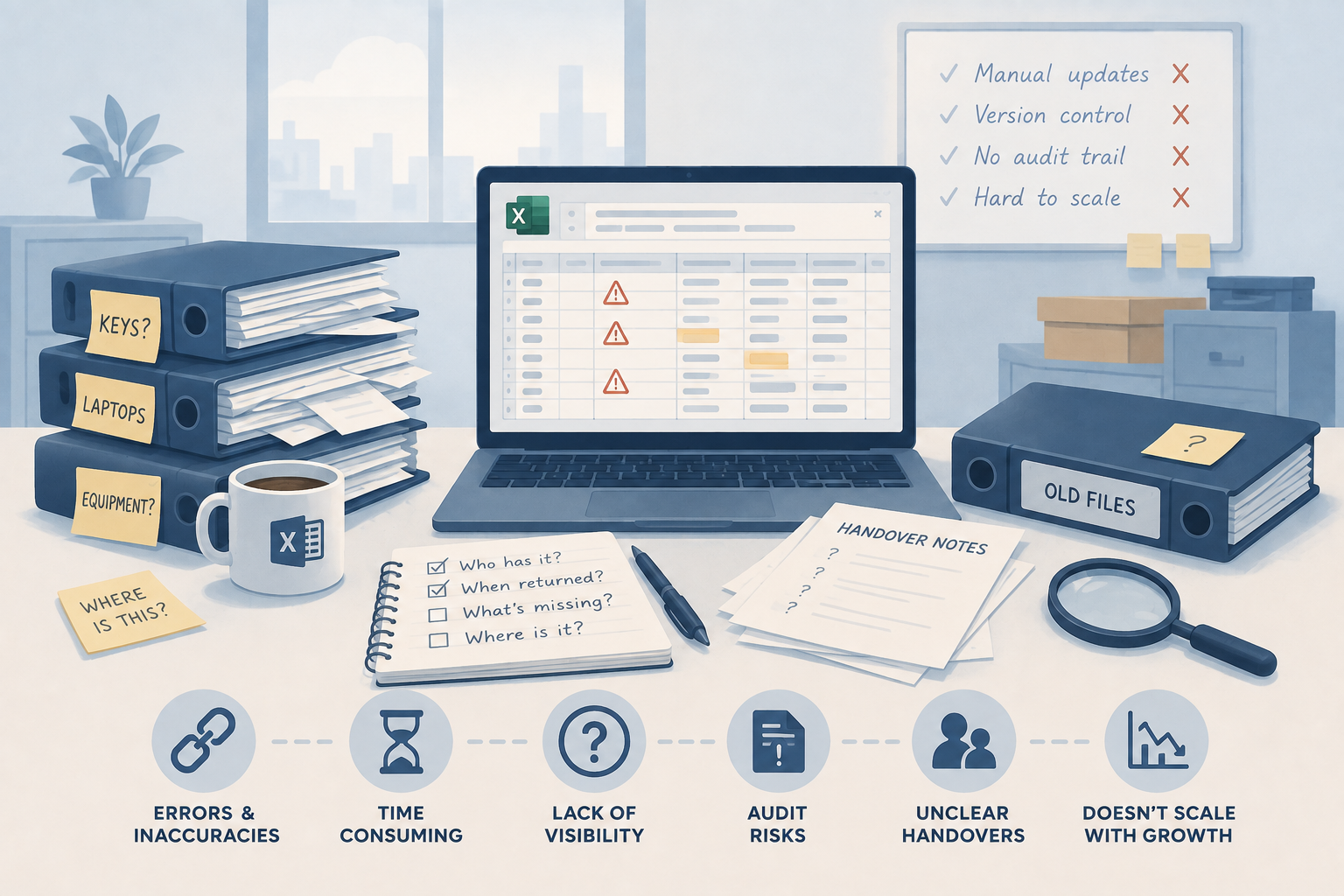
Every business tracking keys or assets starts the same way: a spreadsheet. It's free, everyone knows how to use it, and for a small, mostly static list, it can genuinely be the right tool.
The problem begins when several people update it, equipment starts moving between sites, or nobody can confidently say who has an item and when it's due back.
The problem isn't the spreadsheet; it's what it can't do
A row in a spreadsheet is only accurate after someone remembers to edit it. There's no live status. If someone signs a key out and forgets to log it, or updates their own local copy instead of the shared one, the register is now wrong, and nobody knows it.
This is fine when one person manages a small, mostly static list. It falls apart once multiple teams edit the same register, assets or keys move between people and sites, or returns and servicing come with real deadlines. Separate tabs and files quickly create duplicate records, and version history rarely explains the operational reason for a change. AssetControl Cloud's full comparison against spreadsheet asset registers breaks down exactly where the tipping point tends to sit.
The warning signs a spreadsheet has reached its limit
It's not about the number of rows. A 5,000-row register can hold up fine if nothing ever moves, while a 200-item pool can turn chaotic if items go out every day. The signs to watch for:
- More than one team edits the register
- Assets or keys move between people and sites
- Returns, servicing, or inspections have real deadlines attached
- Managers need to produce evidence for audits or incidents
If those are showing up, the recurring stock checks, conflicting file versions, and time spent messaging colleagues to find equipment aren't spreadsheet-formatting problems. They're workflow problems.
What a proper system actually gives you
AssetControl Cloud replaces the spreadsheet with a shared, cloud-based record of every asset and key. According to AssetControl's own feature breakdown, that includes:
Check-in / check-out workflows. Assets or key sets are assigned to named users, with time limits applied and a clear movement history kept.
Audit-ready activity log. A complete audit trail shows who did what, when, and where, across every asset.
Automatic alerts. Automated notifications flag overdue assets, upcoming maintenance, and other operational events.
Roles, permissions & teams. Control over who can view, manage, and operate the system, by role.
Locations, areas & multi-site structure. Sites, locations, areas and teams share a consistent structure, so duplicate records from separate site files stop happening.
Getting off the spreadsheet is a smaller job than it looks
A useful replacement makes the correct action faster than editing a spreadsheet: finding an item, recording a handover, scanning a label, or checking its history, all from the same system. AssetControl Cloud also supports structured data imports from existing spreadsheets, so nothing needs to be rebuilt from scratch. Their guidance is to clean the register first and start with one operational group before expanding, rather than reproducing every old spreadsheet habit inside the new system, as covered in the spreadsheet migration comparison.
If your current asset or key register is a spreadsheet that depends on one person keeping it current, that dependency is usually the clearest sign it's worth reviewing.
You can try AssetControl Cloud's interactive demo with sample data, no signup required, or view pricing to see how it compares to what a spreadsheet is quietly costing already.
Find out more about AssetControl Cloud at assetcontrol.cloud