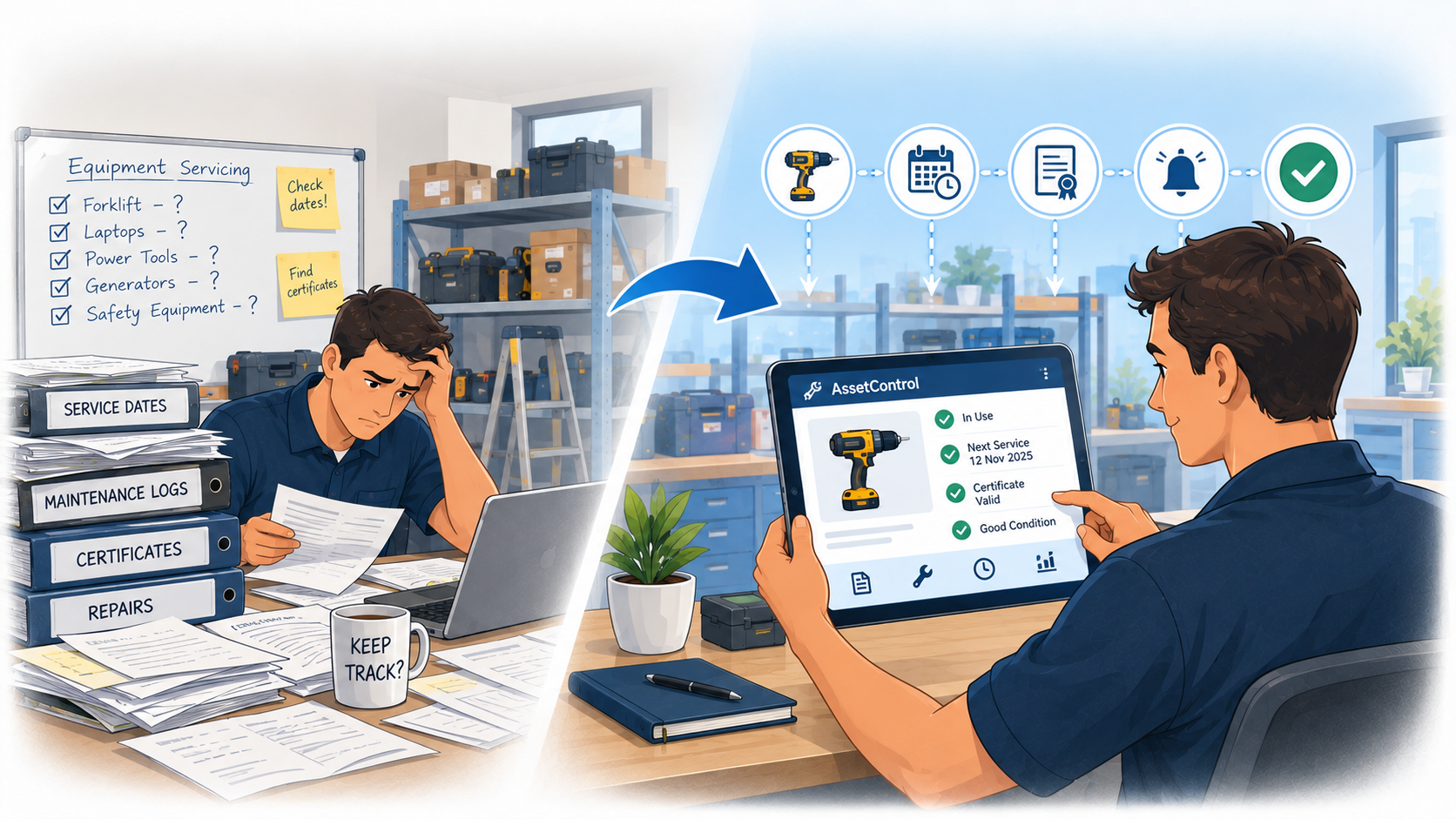
Why Asset Check-In/Check-Out Software Beats Spreadsheets
Spreadsheets can quickly become outdated when equipment moves between staff and locations. See how asset check-in/check-out software can make tracking...
Read articleFor shared equipment, tools and workplace devices
Record who took it, when it’s due back and whether it returned.
Interactive demo: sample records, no signup or credit card.
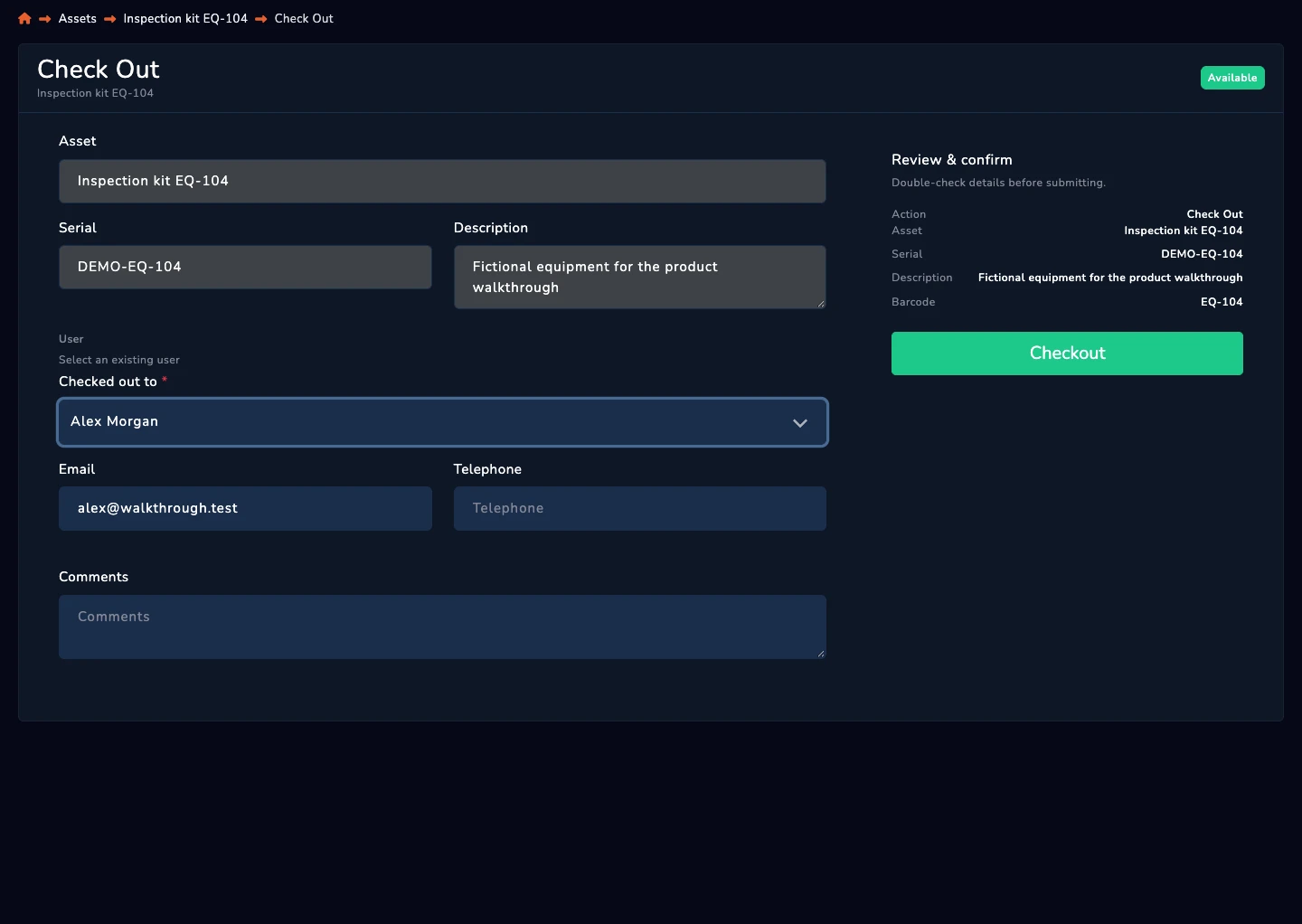
Look up the labelled item or search its record.
Choose the person responsible for the checkout.
Set the asset’s time limit before checkout so its expected return is clear.
Enable overdue emails and review equipment that has not come back.
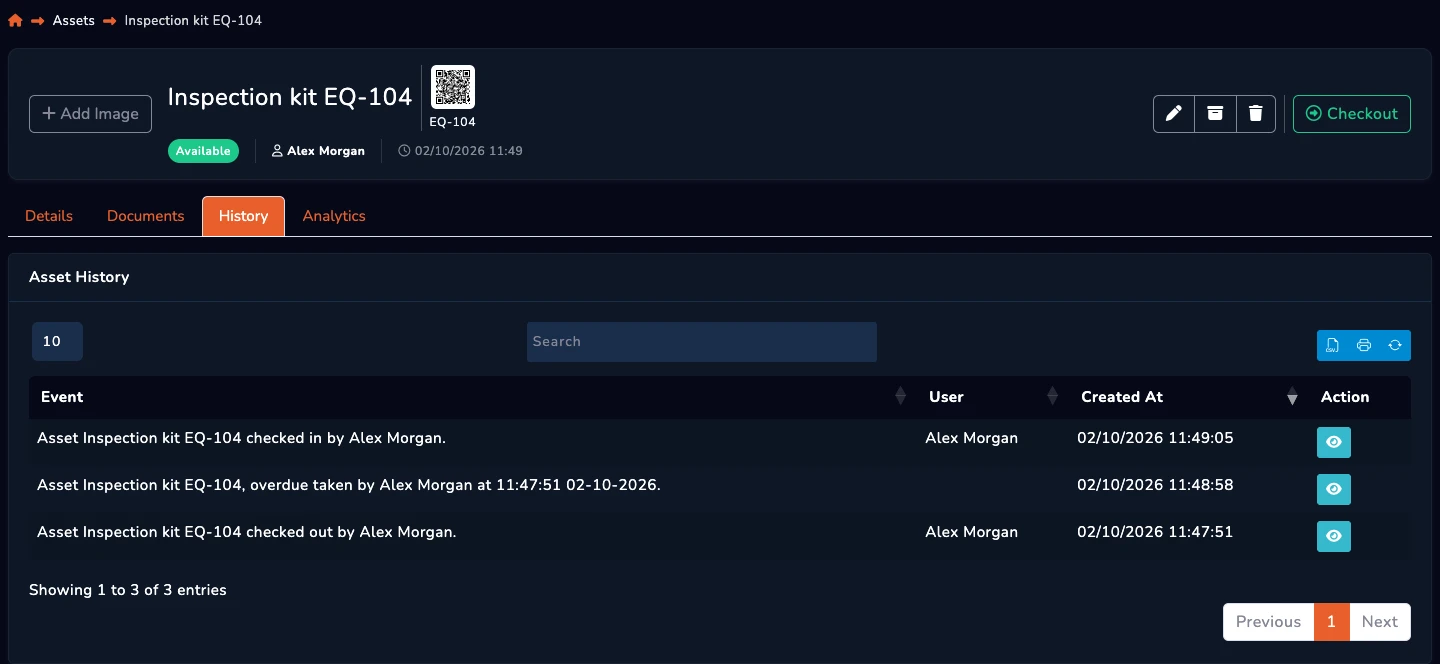
Use check-in to record that the equipment is back.
See the recorded checkout, holder and return.
Overdue emails require enabled alerts and scheduled processing. AssetControl records activity; it does not provide a continuous position feed.
Give each checkout a named holder.
Check the item’s recorded status before issuing it again.
Review previous transactions without chasing a spreadsheet.
From the blog