Why Asset Check-In/Check-Out Software Beats Spreadsheets
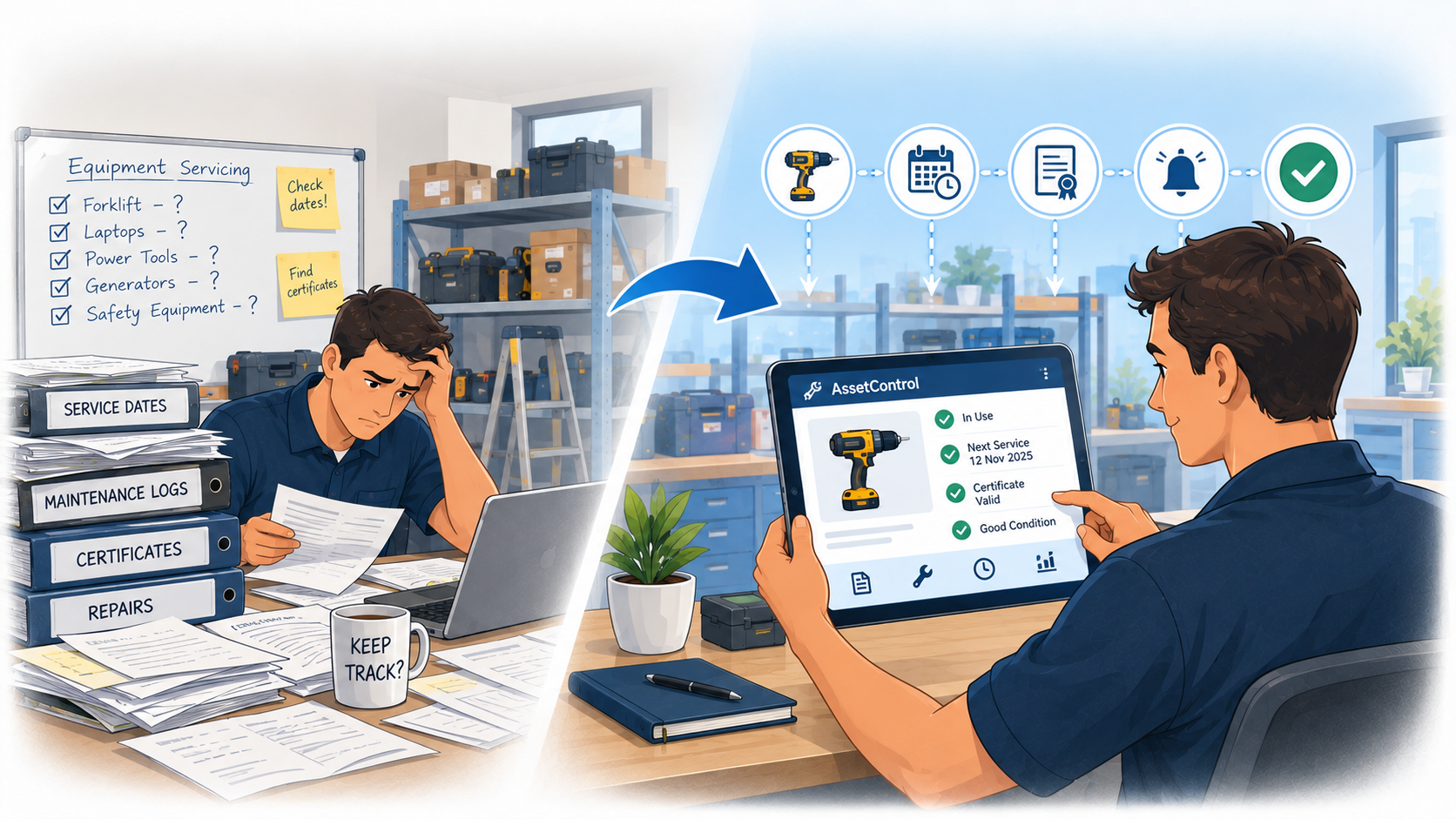
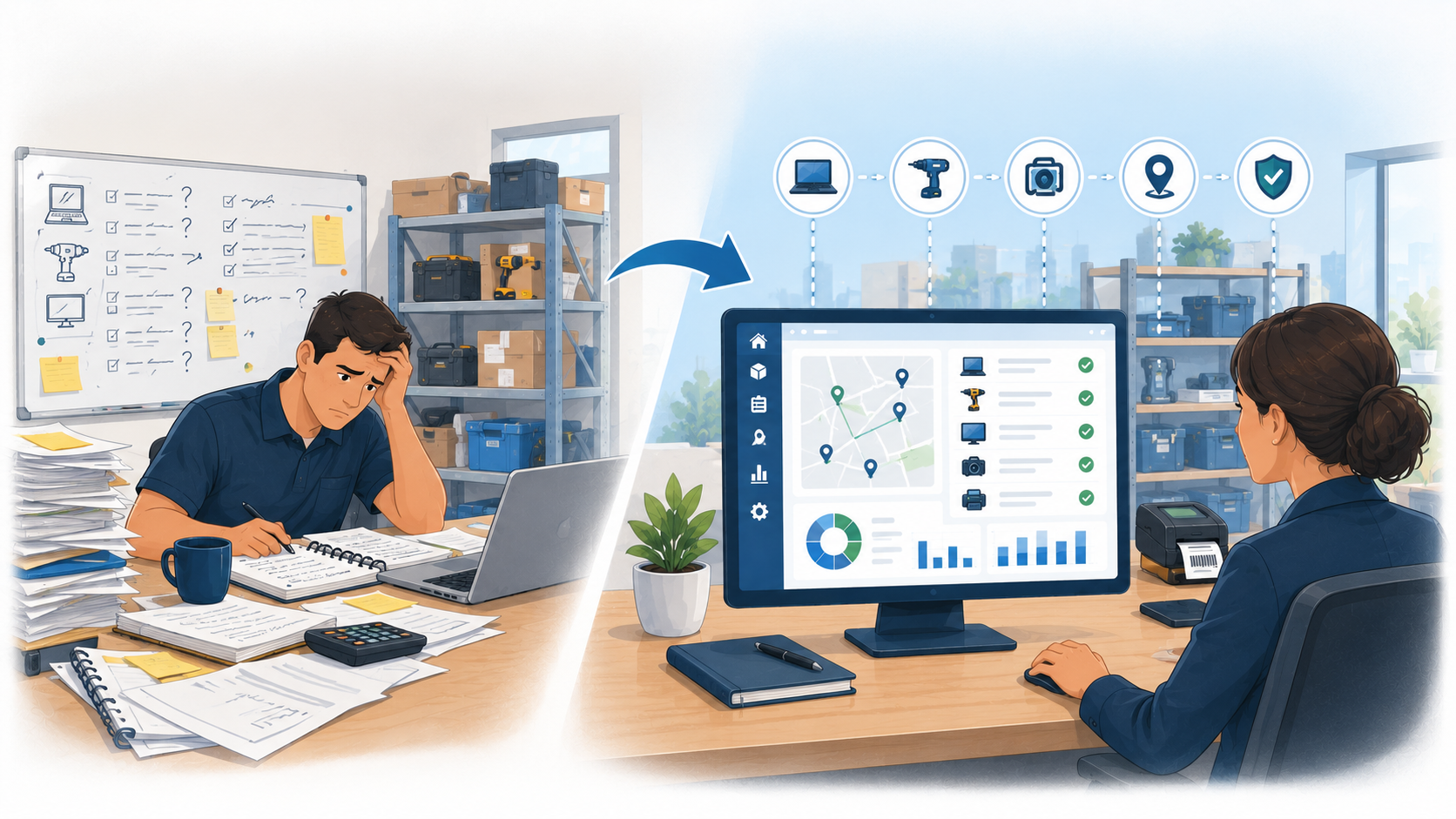
Spreadsheets can quickly become outdated when equipment moves between staff and locations. See how asset check-in/check-out software can make tracking...
Read articleStraightforward asset management guide
Simple asset management gives a team dependable answers without creating unnecessary administration. For physical equipment and keys, that usually means knowing what each item is, where it belongs, who has it, when it should return and whether it is ready for use.
The short answer
Use a spreadsheet for a small, mostly static register managed by one person. Move to focused asset management software when items change hands, several people update records, sites need shared visibility or returns and servicing require follow-up. Simplicity should reduce effort for everyday users while preserving the controls the organisation genuinely needs.
At a glance
Compare the approaches, then use the guidance below to decide what fits your operation.
| Decision factor | Keep it simple | Add only when needed |
|---|---|---|
| Asset record | Use a clear identifier, name, category, status, home location and responsible owner. | Add custom fields only when they support a decision, search, report or compliance requirement. |
| Custody | Record the current holder, checkout time, expected return and completed return. | Add signatures, approvals or multi-step handovers where the risk justifies them. |
| Identification | Use existing serial numbers or durable QR and barcode labels. | Consider RFID, GPS or specialist hardware only when scan volume or continuous location creates a proven need. |
| Locations | Create a short, consistent hierarchy of sites, rooms, stores or areas. | Add more granular locations only when teams can maintain them accurately. |
| Maintenance | Keep the next service date, current restriction and completed work with the asset. | Use complex preventive plans, parts or technician scheduling when operations require CMMS depth. |
| Reporting | Start with overdue items, current custody, service status and exceptions. | Build additional dashboards after managers identify a recurring decision they will make from them. |
Simple does not mean keeping fewer controls than the risk requires. It means making the important information easy to capture, understand and act on. A small equipment pool may need only identification and ownership, while shared tools or physical keys may also need checkouts, returns and a complete custody history.
Begin with the questions people already ask: Who has the item? Which site owns it? Is it available? When is it due back or due for service? If a field or workflow does not help answer a real question, challenge whether it belongs in the first version of the process.
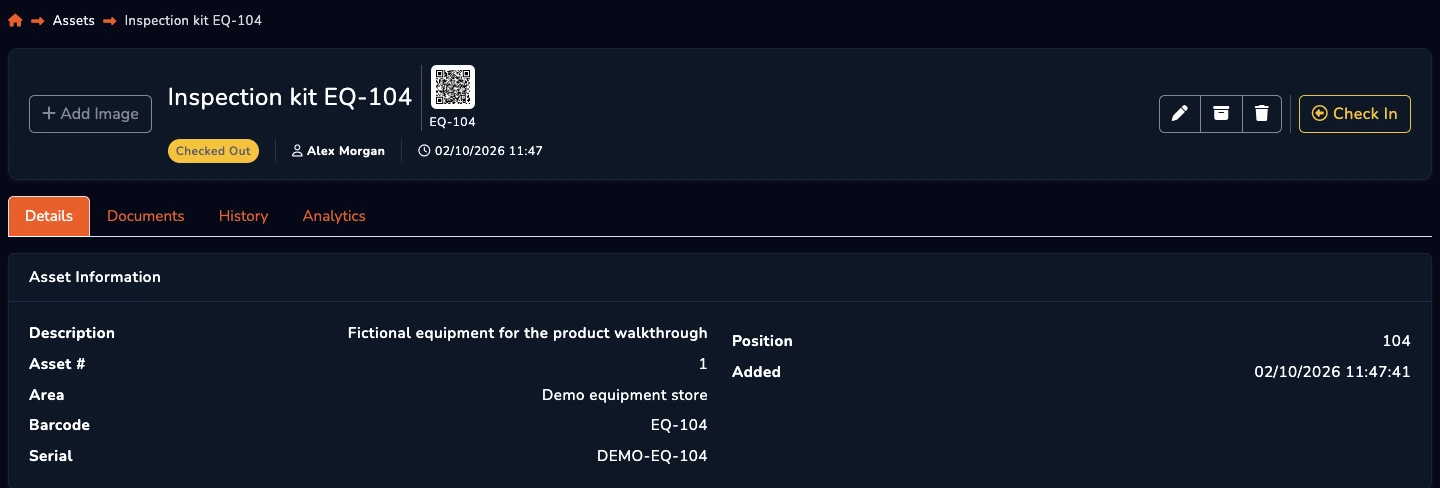
Every record needs a stable identifier and a description that staff recognise. Add a category, status, home location and accountable owner. For items that move, distinguish the home location from the current holder or temporary destination so a transfer does not erase where the asset belongs.
Avoid importing every column from an old spreadsheet by default. Remove duplicates and obsolete records, standardise names and statuses, and agree which team owns data quality. Documents, purchase details and custom fields can be added later if they support servicing, warranty, audit or replacement decisions.
A spreadsheet can be the right choice when one person maintains a small list and assets rarely move. It is familiar, flexible and inexpensive. A carefully controlled file may be more proportionate than introducing software for a register that is consulted only occasionally.
The limitation appears when simplicity for one administrator creates work for everyone else. Conflicting copies, manual reminders, overwritten holders and repeated messages to locate equipment are signs that the file is no longer simple in practice. At that point, a shared system can remove effort rather than add it.
Ask the people who issue, use and return assets to complete realistic tasks during a trial. They should be able to find a record, scan a label, check an item out, transfer responsibility and record a return without specialist knowledge. Managers should be able to see exceptions without building a report from scratch.
Features such as permissions, alerts, maintenance, audit history and multi-site structure can make the process simpler when they replace manual checking. They make it more complicated when enabled without ownership or a clear use case. Evaluate the default workflow before assuming extensive configuration is an advantage.
Start with one team and a representative group of assets. Define labels, statuses, locations, responsibilities and exception handling before importing the full register. Train with actual checkouts and returns rather than explaining menus in isolation.
Measure whether records remain current, whether staff spend less time searching and whether overdue or unavailable equipment is easier to resolve. Refine the process, document the small number of rules that matter and then expand. The simplest system is the one people continue using accurately after the launch project ends.
A few useful answers
Clear answers to help you choose the right approach for your team.
From the blog