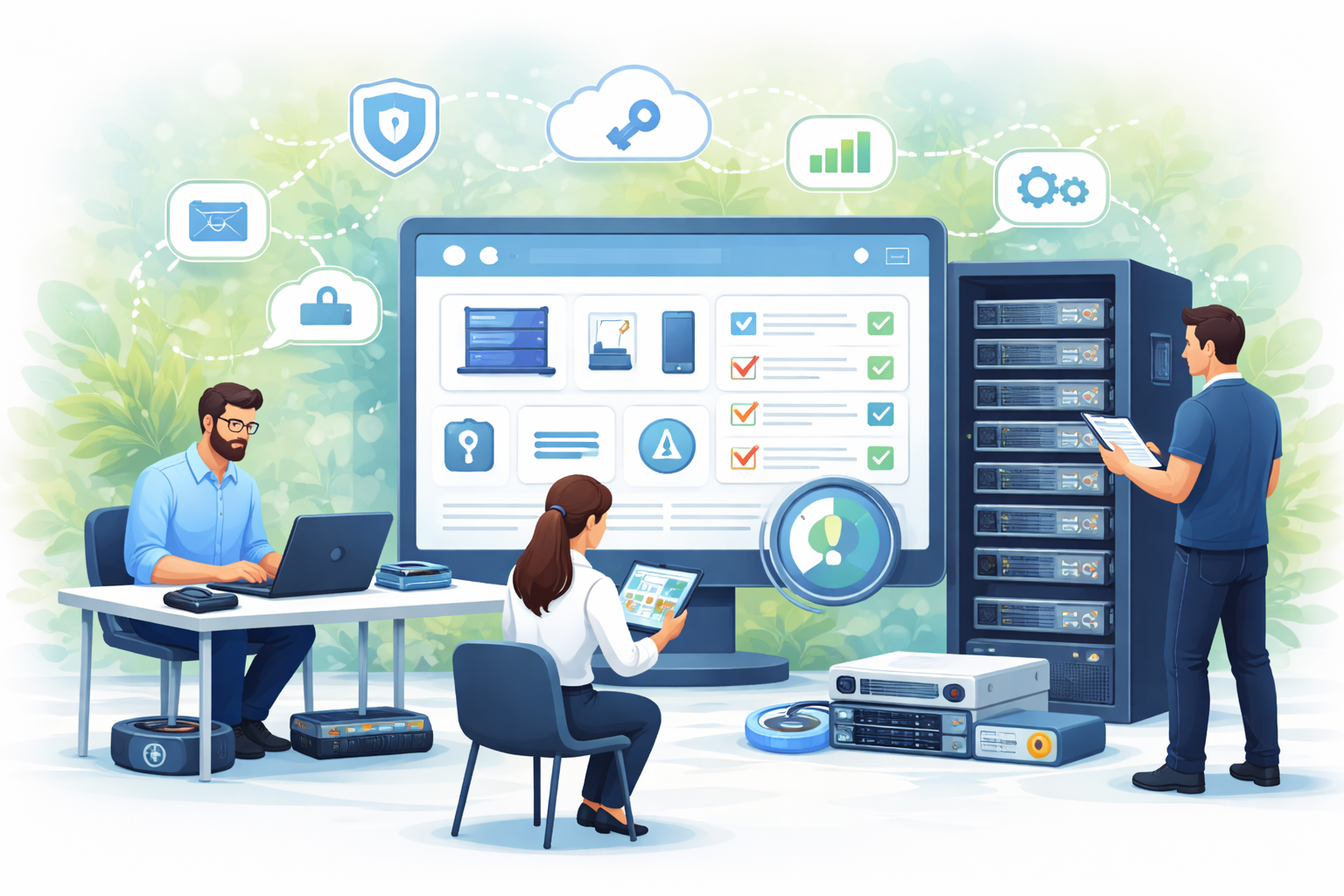
In today’s fast-paced business environment, IT departments are managing more devices, software, and infrastructure than ever before. From laptops and mobile devices to servers and network equipment, keeping track of assets is critical for efficiency, security, and cost control. Asset management for IT teams isn’t just about knowing what you own, it’s about making sure the right resources are available at the right time, while reducing risk and wasted expenditure.
Why IT Asset Management Matters
IT teams face unique challenges when it comes to assets. Devices and software are constantly deployed, updated, or retired. Without a centralised system, it’s easy for assets to be misplaced, underutilised, or left vulnerable to security threats. Effective asset management helps teams:
-
Maintain visibility: Knowing exactly what hardware and software are in use across the organisation.
-
Enhance security: Tracking software licenses and updates helps prevent vulnerabilities and compliance issues.
-
Optimise costs: Avoid over-purchasing or underutilising devices and licences.
-
Streamline operations: Quick access to asset information speeds up troubleshooting, replacements, and provisioning.
Key Features of a Strong Asset Management System
For IT teams, not all asset management tools are created equal. An effective solution should provide:
-
Real-time tracking: Ability to monitor assets as they are deployed, moved, or retired.
-
Audit-ready reporting: Detailed logs for compliance, budgeting, and internal audits.
-
Lifecycle management: Support for each stage of an asset’s life, from procurement to decommissioning.
-
Integration capabilities: Compatibility with existing IT systems, including helpdesk software, network monitoring, and security tools.
Best Practices for IT Teams
Implementing asset management successfully requires more than just software. IT teams should adopt practices that ensure accuracy and efficiency:
-
Centralise asset data: Avoid spreadsheets and scattered records. A single source of truth keeps everyone on the same page.
-
Regular audits: Schedule periodic checks to verify asset location, condition, and usage.
-
Define clear processes: Establish how new assets are registered, maintained, and decommissioned.
-
Train your team: Ensure staff understand how to use the system and why accurate data matters.
-
Leverage automation: Automatic discovery and reporting reduce human error and save time.
The Benefits for IT Teams
When asset management is done right, IT teams can focus on more strategic work instead of chasing missing devices or licences. Benefits include:
-
Reduced downtime due to faster troubleshooting.
-
Better budget planning and reduced unnecessary purchases.
-
Improved security posture by keeping track of patches and updates.
-
Clear accountability and easier compliance reporting.
Choosing the Right Tool
Modern IT asset management platforms, such as AssetControl.cloud, combine cloud-based tracking, automation, and analytics to give teams complete oversight. By adopting a tool like this, IT departments can gain a real-time view of their assets, streamline operations, and ensure every piece of hardware or software is optimally used.
In short, effective asset management isn’t just about keeping an inventory, it’s about empowering IT teams to make smarter decisions, reduce risk, and deliver a higher level of service across the organisation.