Barcode and QR scanning feature
Barcode and QR Code Asset Scanning
Use familiar barcode and QR labels to identify equipment quickly and reduce the typing involved in common tracking workflows.
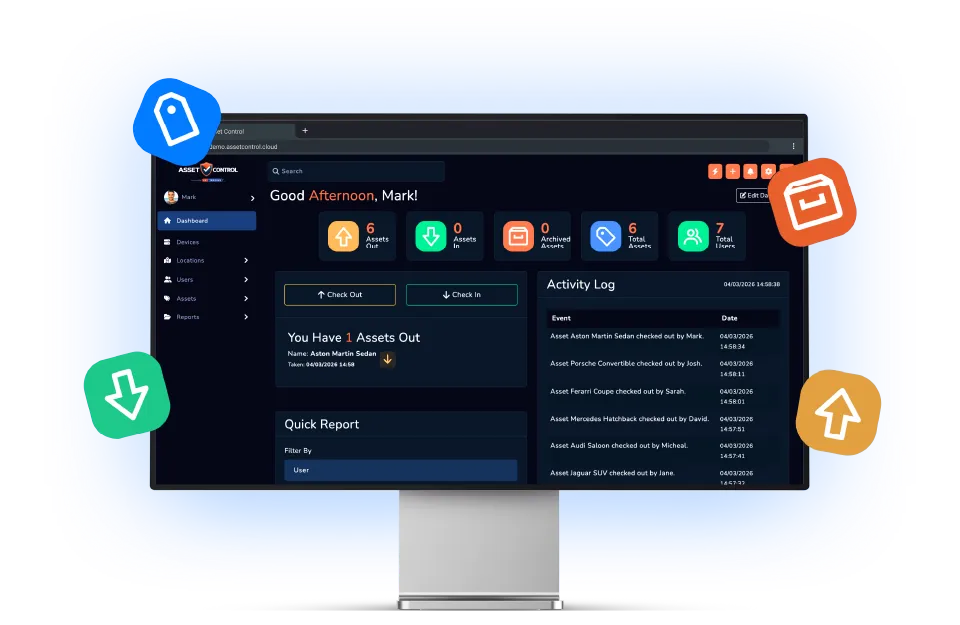

Part of the AssetControl Cloud platform
What this feature does
Searching by description or serial number slows teams down and creates room for mistakes. Scanning connects the physical label to the correct digital record.
It works inside the same platform your team uses for assets, users, locations and reporting, so the information remains useful beyond one isolated task.
Identify an item by scanning
Use a barcode or QR identifier to reach the intended asset without typing a description or serial number.
Support faster transactions
Use the identified record in checkout, return and audit workflows where speed matters.
Work with practical labels
Generate labels for the process or connect suitable identifiers already used by the organisation.
Why it matters
The business value behind the feature
Measure this feature by the improvement it makes to everyday operations—not by another box on a feature list.
Faster identification
Open the intended asset without manually searching a long register.
Quicker transactions
Support efficient check-in, checkout and audit workflows.
Flexible labelling
Generate labels or incorporate suitable existing identifiers into the process.
The operational case for change
A better process, not another field
The feature earns its place by changing how the work gets done.
Where teams lose time today
Even a well-designed register fails when updating it takes longer than the physical handover. Staff skip searches, select similar-looking records or plan to update the system later, allowing accuracy to deteriorate.
What changes with AssetControl Cloud
The label becomes the bridge between the item and its digital record. Scanning removes several manual steps at the point of issue, return or audit, making correct use of the system easier during busy operational work.
Adoption is a commercial requirement, not a cosmetic one. Buyers should favour workflows that reduce user effort because consistent participation is what turns software investment into trustworthy asset data.
How it fits the workflow
From asset record to completed action
- 1
Connect an identifier to the asset record.
- 2
Apply or retain the relevant label.
- 3
Scan the barcode or QR code at the point of work.
- 4
Complete the required transaction against the correct item.
Useful for
- Stockroom checkouts
- Equipment audits
- Mobile teams
- High-volume asset registers
This feature works with AssetControl Cloud’s asset records, users, locations, permissions and reporting rather than operating as a disconnected tool.