Maintenance and servicing feature
Asset Maintenance and Servicing
Move beyond a basic register by connecting servicing dates, supporting records and maintenance activity to the equipment your team depends on.
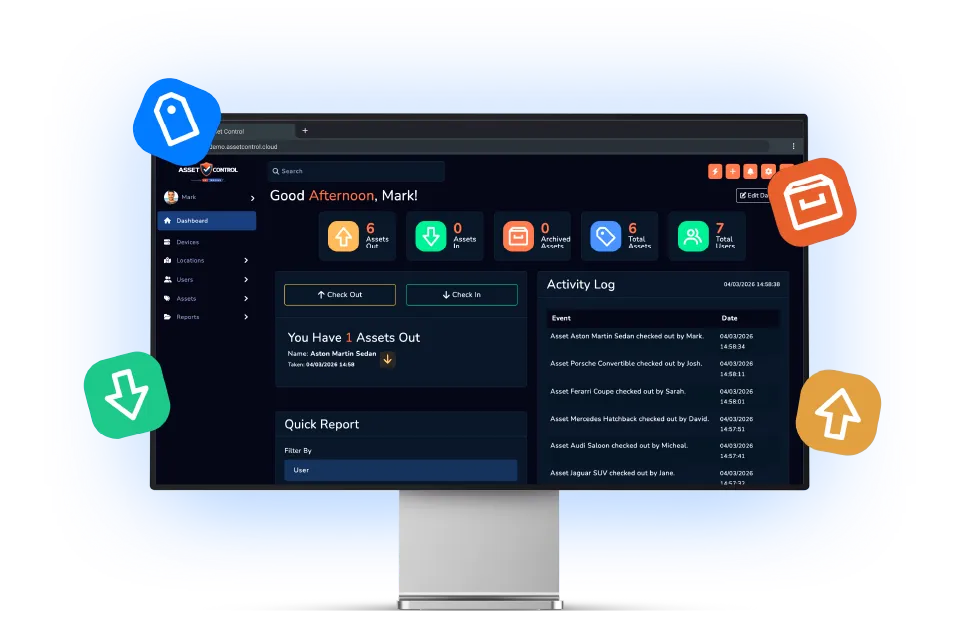

Part of the AssetControl Cloud platform
What this feature does
Service dates and certificates are easy to miss when they live in a separate spreadsheet or shared folder. AssetControl Cloud keeps lifecycle information connected to the asset record.
Schedule recurring or upcoming work
Record service requirements and due dates against the equipment they affect.
Capture completed maintenance
Keep the work performed, relevant notes and supplier information as part of the asset history.
Organise supporting evidence
Connect certificates, images and documents with the asset rather than leaving them in unrelated folders.
Why it matters
Keep service dates and records together
Plan maintenance earlier
Keep upcoming service requirements visible before availability is affected.
Preserve service history
Review previous work and relevant records in the context of the asset.
Reduce scattered documentation
Keep suppliers, notes and supporting information organised around the item.
Day-to-day work
How the daily process changes
Where teams lose time today
A maintenance spreadsheet can show a date but often lacks the asset’s current status, previous faults and supporting evidence. Teams switch between systems just to understand whether equipment is ready, restricted or awaiting work.
What changes with AssetControl Cloud
Servicing becomes part of the equipment lifecycle. The operational record, maintenance history and related documentation can be considered together, giving staff more context before they schedule, issue or assess an item.
Plan servicing with the equipment history in view. Previous work, faults and supporting documents help your team decide when to arrange maintenance, repair an item or replace it.
How it fits the workflow
From asset record to completed action
- 1
Add the service requirement to the asset.
- 2
Record the relevant interval or due date.
- 3
Complete and document the maintenance activity.
- 4
Retain the result as part of the lifecycle history.
- Planned servicing
- Safety inspections
- Equipment certificates
- Supplier maintenance
This feature works with AssetControl Cloud’s asset records, users, locations, permissions and reporting rather than operating as a disconnected tool.