Work orders and requests feature
Asset Work Orders and Maintenance Requests
Create, assign and follow operational work without losing the connection between the request, the responsible team and the affected asset.
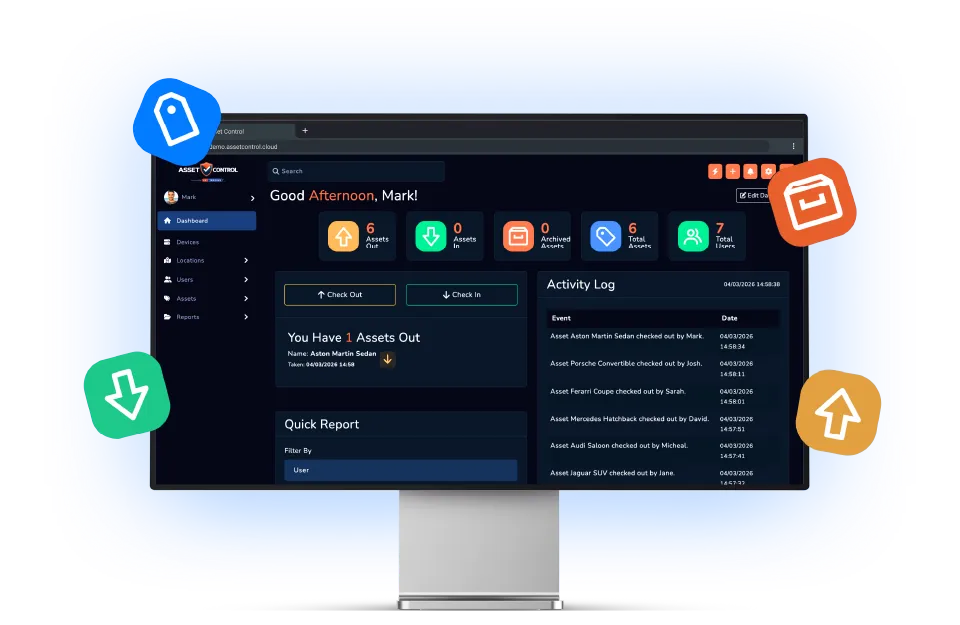
Part of the AssetControl Cloud platform
What this feature does
Maintenance requests lose context when they are managed in email threads. Linking work to the asset gives teams its identity, location and history from the start.
It works inside the same platform your team uses for assets, users, locations and reporting, so the information remains useful beyond one isolated task.
Raise work against an asset
Create a request with the affected equipment already identified and connected.
Assign and track responsibility
Make the responsible person or team and the current progress clearer to everyone involved.
Close the loop
Retain the reported issue, updates and completed outcome as part of the operational history.
Why it matters
The business value behind the feature
Measure this feature by the improvement it makes to everyday operations—not by another box on a feature list.
Clear ownership
Assign the work and make its current status easier to understand.
Asset-level context
Keep the request connected to the equipment and its existing records.
Traceable resolution
Preserve the path from reported issue to completed action.
The operational case for change
A better process, not another field
The feature earns its place by changing how the work gets done.
Where teams lose time today
An issue reported by email often omits the asset number, exact location or previous repair history. The maintenance team spends its first conversation gathering context, while the requester has little visibility of progress.
What changes with AssetControl Cloud
The request starts with the affected asset and remains connected through assignment and completion. Everyone works from the same identity and history, reducing the gap between noticing a problem and taking an informed action.
For buyers, this extends AssetControl Cloud from record keeping into service coordination. It reduces the need for a disconnected request list and makes completed work part of the information used for future asset decisions.
How it fits the workflow
From asset record to completed action
- 1
Open the affected asset.
- 2
Create the work order or request.
- 3
Assign responsibility and update progress.
- 4
Complete the work and retain the outcome.
Useful for
- Facilities requests
- Equipment repairs
- Service-desk tasks
- Corrective maintenance
This feature works with AssetControl Cloud’s asset records, users, locations, permissions and reporting rather than operating as a disconnected tool.