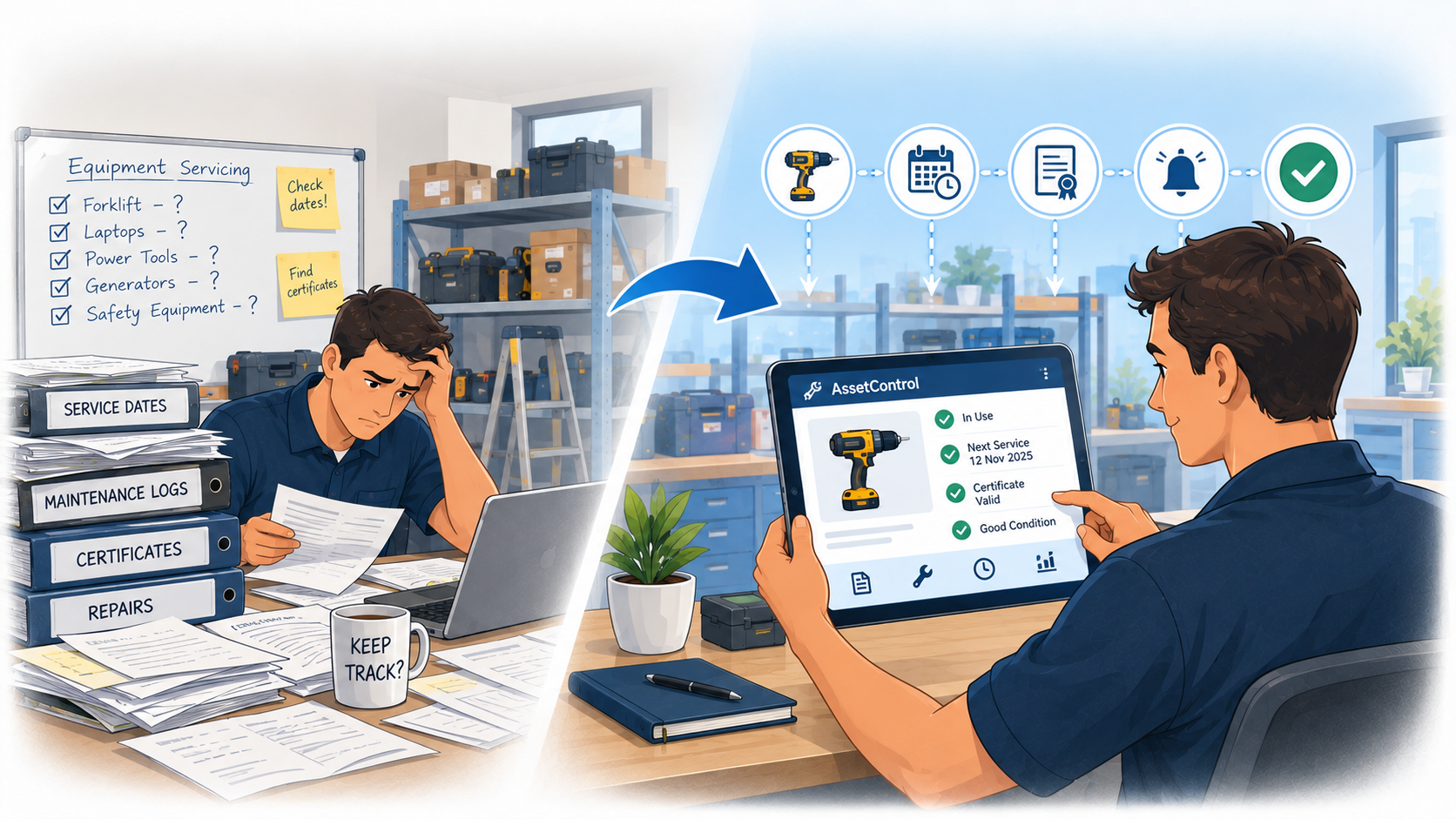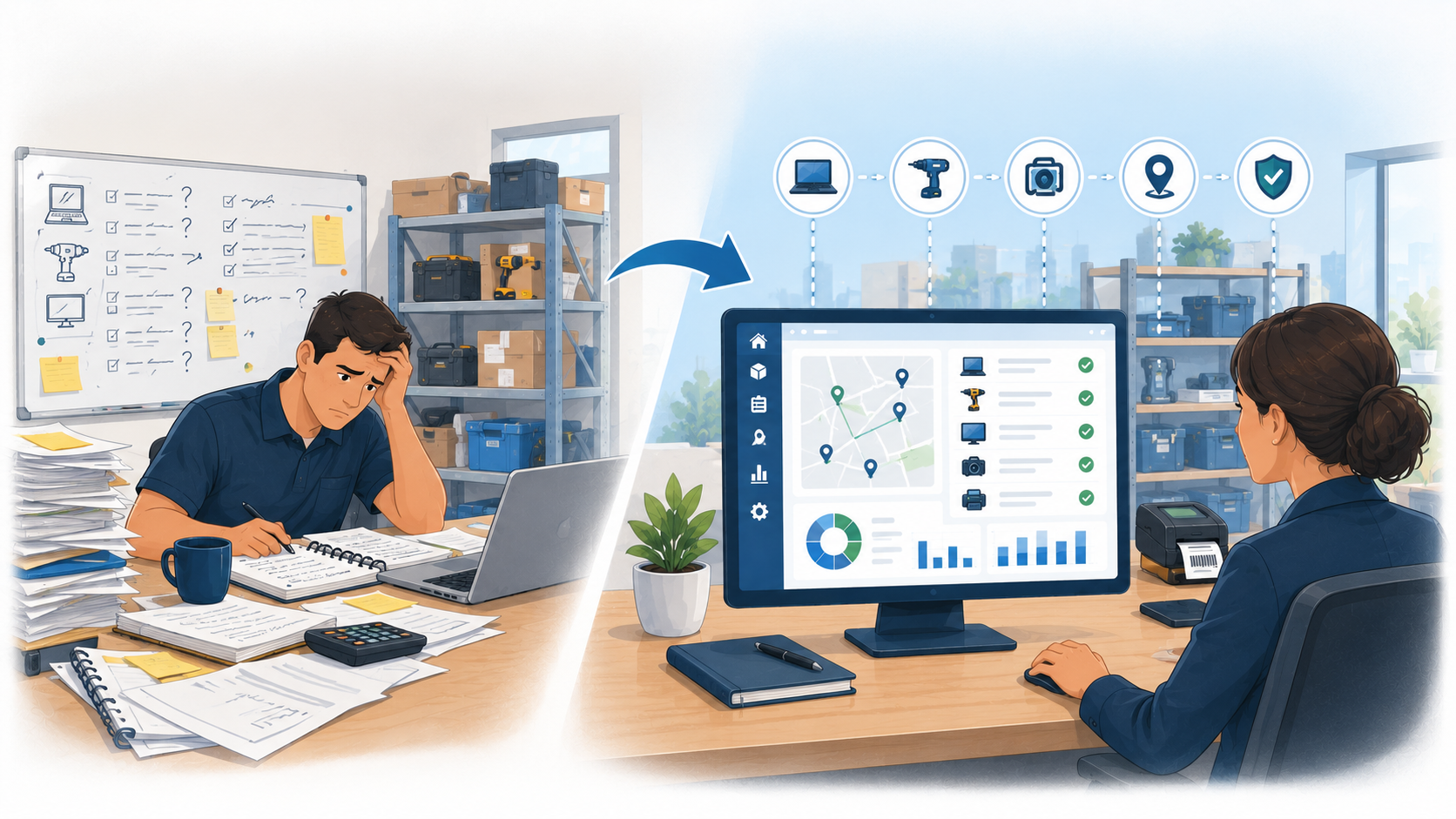
Why Asset Check-In/Check-Out Software Beats Spreadsheets
Spreadsheets can quickly become outdated when equipment moves between staff and locations. See how asset check-in/check-out software can make tracking...
Read articleFor teams identifying equipment across people and sites
Open the right asset record and turn a label scan into an accountable handover.
Interactive demo: sample records, no signup or credit card.
Give the physical item an identifiable asset record.
Use a readable label linked to the item.
Find the matching asset with your supported scanning workflow.
Select the holder and apply the return limit.
Check it back in when it comes back.
Keep the asset’s holder, location and transaction history together.
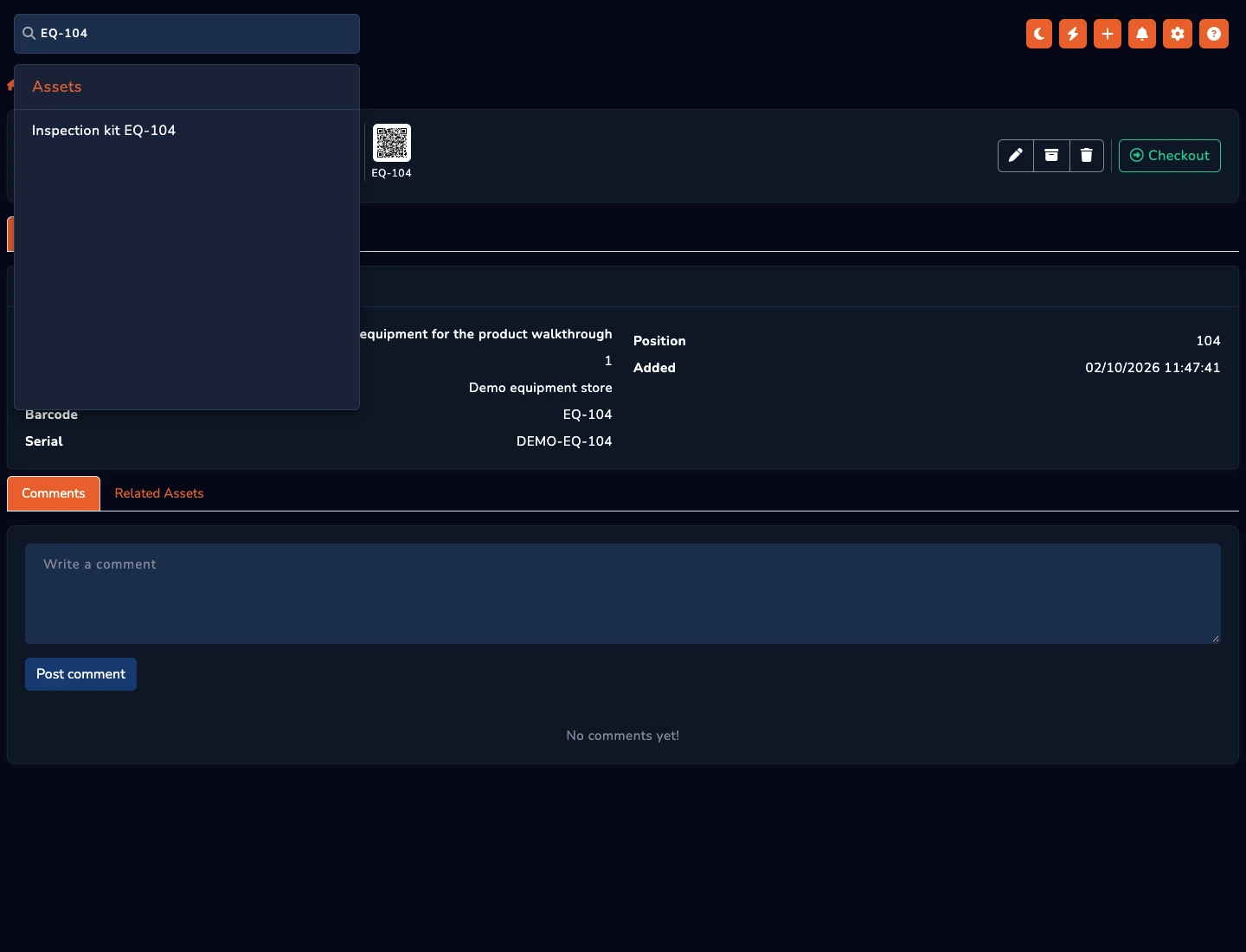
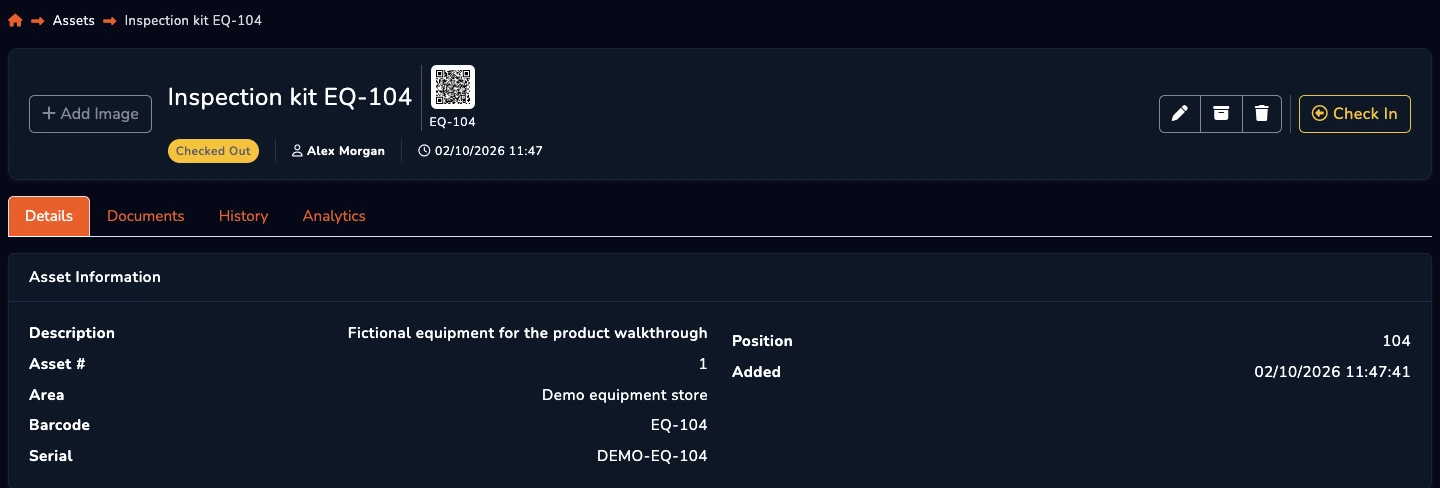
QR labels identify records. They do not transmit location or provide live GPS tracking. The screenshots show the shared barcode lookup and custody workflow.
Use the label to identify the physical item.
Record who takes and returns equipment.
Review details and recorded activity together.
From the blog