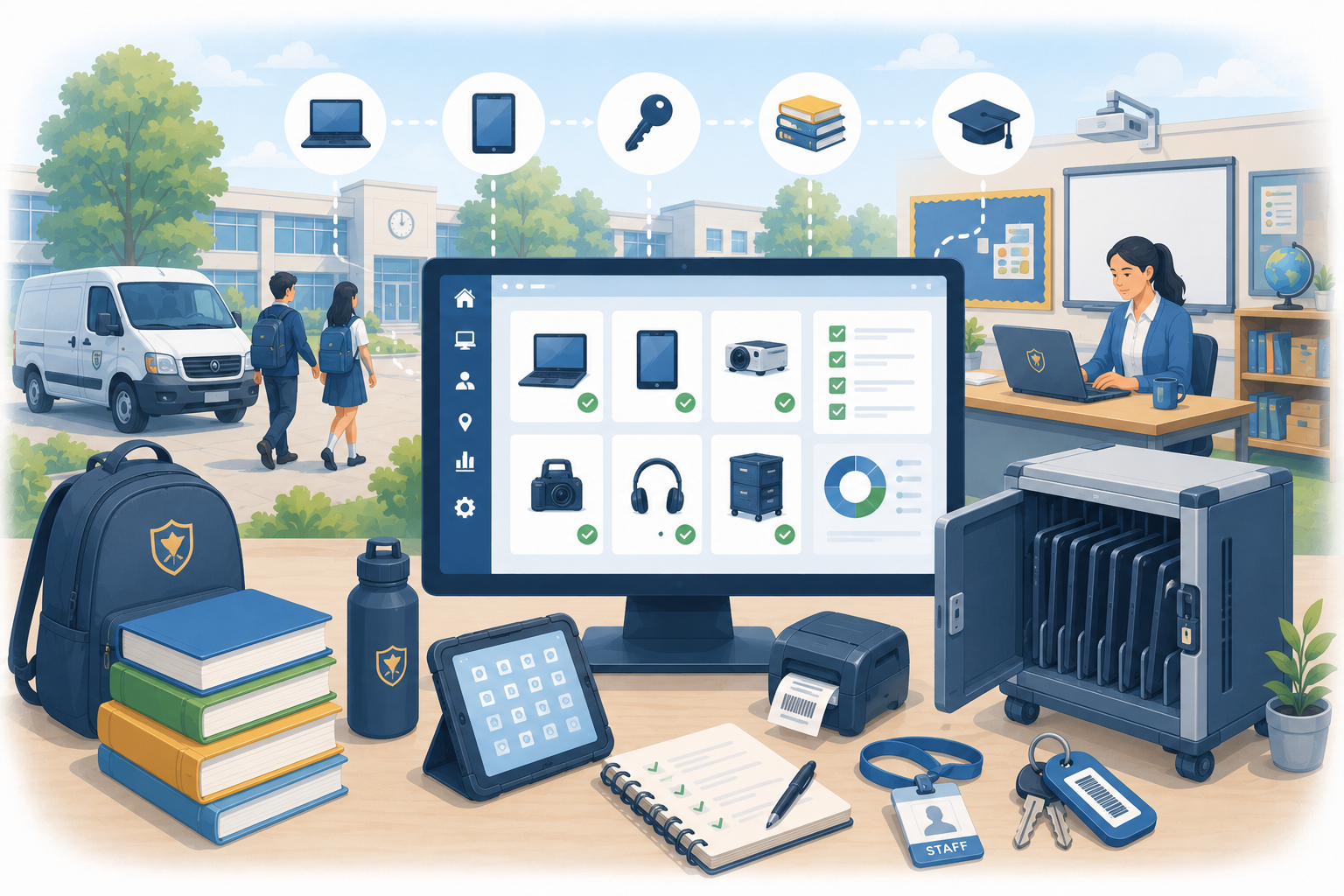
Asset tracking for schools and educational institutions
Educational institutions manage a huge range of assets across large sites — and most are still tracking them manually. Here's why that doesn't scale,...
Read articleSchool asset software buyer’s guide
Asset management software for schools gives IT, estates and business teams a shared way to control devices, teaching equipment, facilities assets and physical keys. The right system should make ownership, location, condition, loans, maintenance and lifecycle decisions clearer without adding avoidable staff workload.
The short answer
Choose software around the asset register and workflows your school or trust must keep accurate. AssetControl Cloud is a strong fit for physical device and equipment records, QR or barcode identification, checkouts, returns, locations, maintenance and multi-site accountability. Use specialist platforms where the primary need is MDM enforcement, software licensing, financial depreciation, MIS data, library circulation or complex estates compliance.
How this guide was prepared: This guide is published by AssetControl Cloud and draws on current Department for Education guidance. Schools and trusts should confirm their own financial, safeguarding, data-protection, cyber-security, estates and retention requirements with the responsible leaders and advisers.
At a glance
Compare the approaches, then use the guidance below to decide what fits your operation.
| Decision factor | Useful school workflow | What to test |
|---|---|---|
| Device and equipment register | Record laptops, tablets, AV equipment, science resources, tools and other durable items. | Asset and serial numbers, purchase and review dates, status, condition, owner and secure-disposal evidence. |
| Assignments and loans | Show which staff member, pupil, department or temporary borrower is responsible for an item. | Fast issue and return, expected dates, overdue follow-up, handovers and appropriate personal-data controls. |
| Rooms and sites | Keep home and current locations clear across classrooms, offices, stores, buildings and schools. | A manageable location hierarchy, transfers, local permissions and trust-wide reporting where required. |
| Labels and audits | Use QR codes or barcodes to select the right record during handovers and stocktakes. | Label durability, existing serials, mobile scanning, bulk actions, audit exceptions and connectivity needs. |
| Maintenance and availability | Record faults, restrictions, warranties, service dates and completed work against equipment. | Alerts, responsibility, documents, history and whether specialist estates or CMMS workflows are also needed. |
| Access and evidence | Give IT, estates, finance and leadership appropriate views without sharing uncontrolled files. | Role permissions, activity history, exports, backups, retention, support and data-processing responsibilities. |
Schools manage several related but different registers. Physical digital technology can include laptops, tablets, monitors, networking equipment and classroom devices. Estates records may cover buildings, plant, safety systems and maintained equipment. Finance may need a fixed-asset register, while an information asset register describes data rather than physical items.
Agree the purpose and owner of each register before choosing software. For an operational physical-asset system, define which items need an individual record, which lower-value items can be managed by category or quantity, and which evidence must remain in a specialist finance, MDM, MIS or estates platform.
A static list cannot show whether a device is in its home classroom, issued to a staff member, loaned to a pupil, awaiting repair or held as a spare. Checkouts, returns and transfers should preserve a timestamped history while keeping the current holder and expected return easy to see.
Use the lightest workflow that matches the risk. A projector moved occasionally may need only a room transfer, while loan devices may need named acceptance, a return date, condition notes and overdue follow-up. Physical keys for buildings, vehicles and restricted areas need clear custody without being confused with digital encryption keys or access credentials.
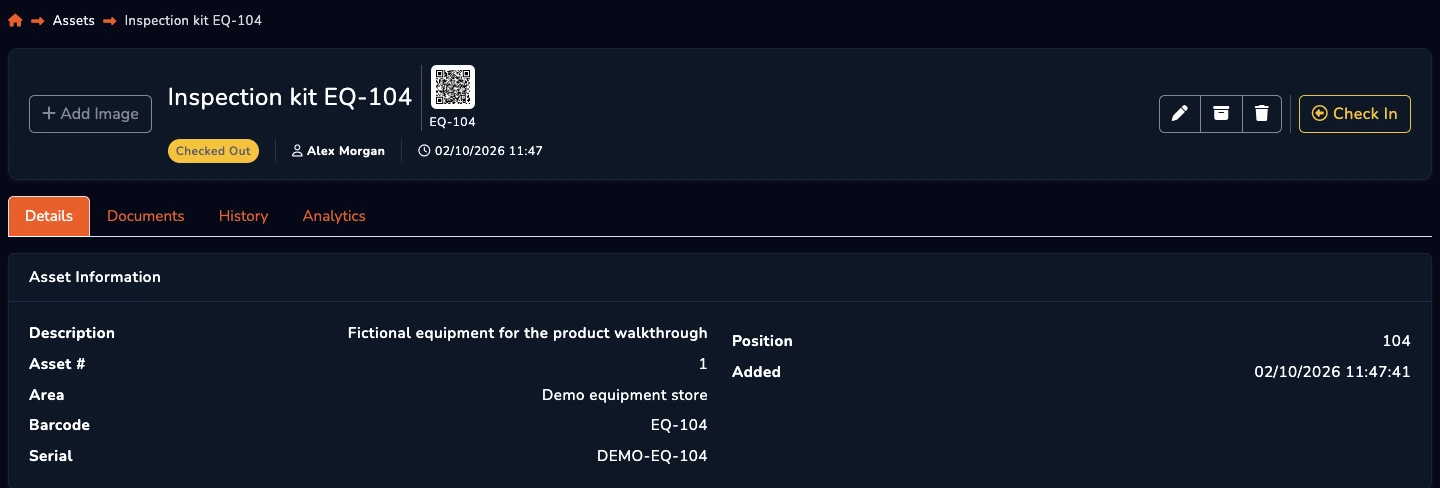
A durable label can make it faster to open the correct record during deployment, collection, classroom moves and audits. QR codes work with suitable cameras, while linear barcodes can fit existing identifiers and scanners. The scan records an interaction; it does not continuously report the item’s location.
Test labels on the surfaces and equipment found in your environment. Consider tamper resistance, cleaning, heat, abrasion and placement. Decide how staff handle missing or damaged labels and whether parts of the site require offline capability before making scanning central to the process.
Asset data supports purchasing, cyber security, support, budgeting and replacement planning, but one application does not need to perform every function. MDM can enforce device settings and report technical state; Software Asset Management can reconcile licences; an MIS manages school and pupil information; finance owns accounting records.
Use stable asset, serial, user and location identifiers where systems need to exchange data. Minimise personal data, restrict access by role and decide which source owns each field. Avoid copying sensitive information into an asset record merely because a custom field is available.
Test realistic events: receive a batch of devices, assign them, move equipment between rooms, issue a temporary loan, report damage, complete a return and retire an item securely. Include IT support, estates or site staff, business management and the people who perform daily handovers.
Pilot one department or school before a trust-wide rollout. Clean existing records, agree statuses and locations, assign data ownership and schedule audits or recovery work around term boundaries. Measure missing records, overdue loans, time spent locating equipment and the proportion of assets with current ownership and lifecycle data.
A few useful answers
Clear answers to help you choose the right approach for your team.