Locations and areas feature
Asset Locations, Areas and what3words
Structure records by site, building, room, area or operational zone and add precise what3words references where they add practical value.
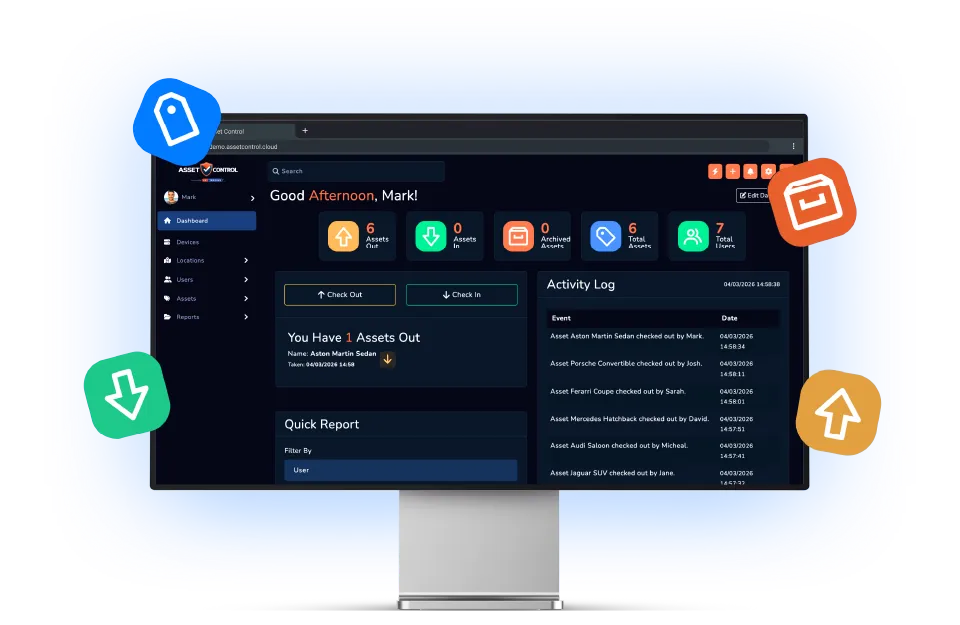
Part of the AssetControl Cloud platform
What this feature does
A location field becomes unreliable when different teams describe the same place differently. A shared hierarchy gives every asset a consistent operational home.
It works inside the same platform your team uses for assets, users, locations and reporting, so the information remains useful beyond one isolated task.
Build a shared location structure
Represent sites, buildings, rooms and operational areas consistently across the organisation.
Assign assets to the right place
Record where equipment belongs or where it is currently deployed using the same agreed structure.
Add precise location context
Use optional what3words references where conventional addresses and area names are not specific enough.
Why it matters
The business value behind the feature
Measure this feature by the improvement it makes to everyday operations—not by another box on a feature list.
Consistent locations
Use the same site and area structure across users, assets and teams.
Better multi-site visibility
Understand where equipment belongs and where it is currently recorded.
Precise field references
Use what3words when a conventional address or room name is not specific enough.
The operational case for change
A better process, not another field
The feature earns its place by changing how the work gets done.
Where teams lose time today
Free-text locations quickly become inconsistent: “main store”, “stores” and “Building A store” may all mean the same place. That weakens searches, reporting and any attempt to understand what each site controls.
What changes with AssetControl Cloud
A defined site-and-area hierarchy gives teams a shared vocabulary. Assets can be organised in a way that reflects the estate, while precise references add clarity for field locations that do not have a useful room name or address.
This feature becomes increasingly valuable as an organisation adds buildings, depots or projects. Buyers can establish a structure that supports growth instead of funding repeated clean-up of inconsistent location data.
How it fits the workflow
From asset record to completed action
- 1
Create the sites used by your operation.
- 2
Add buildings, rooms or areas beneath each site.
- 3
Assign assets to their normal or current location.
- 4
Update movement records as equipment changes place.
Useful for
- Property portfolios
- Large facilities
- Construction sites
- Field equipment
This feature works with AssetControl Cloud’s asset records, users, locations, permissions and reporting rather than operating as a disconnected tool.