Roles and permissions feature
User Roles, Permissions and Teams
Shape AssetControl Cloud around operational responsibilities so users can complete their work while sensitive or administrative functions remain controlled.
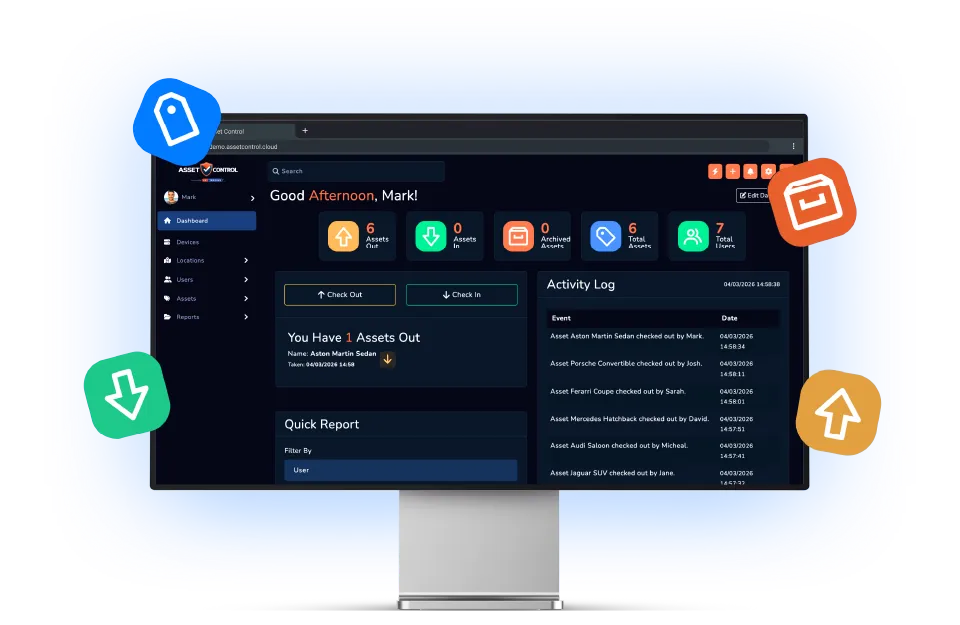

Part of the AssetControl Cloud platform
What this feature does
A shared login or unrestricted register weakens accountability. Individual access and structured permissions make it clearer who can view, change and manage records.
It works inside the same platform your team uses for assets, users, locations and reporting, so the information remains useful beyond one isolated task.
Create operational roles
Define access around the responsibilities people perform rather than giving every user the same controls.
Organise users into teams
Reflect departments, sites and working groups in the way access and responsibility are managed.
Control sensitive actions
Limit administrative, reporting or key-control functions to the users trusted to perform them.
Why it matters
The business value behind the feature
Measure this feature by the improvement it makes to everyday operations—not by another box on a feature list.
Role-based access
Align available actions with operational responsibility.
Team structure
Organise users around the departments and sites they support.
Better accountability
Connect recorded actions to individual users rather than shared credentials.
The operational case for change
A better process, not another field
The feature earns its place by changing how the work gets done.
Where teams lose time today
When everyone shares broad access, accidental changes are harder to prevent and responsibility is difficult to establish. At the other extreme, locking the register to one administrator creates delays and a constant update queue.
What changes with AssetControl Cloud
Roles distribute the work safely. Operational users can complete the tasks relevant to them while configuration, sensitive records and higher-level reporting remain with appropriately authorised people.
This gives buyers a credible path to wider adoption. The platform can support more departments and sites without requiring an all-or-nothing choice between convenience and managerial control.
How it fits the workflow
From asset record to completed action
- 1
Define the responsibilities in your workflow.
- 2
Create suitable roles and permissions.
- 3
Assign users to the relevant teams or access level.
- 4
Review access as responsibilities change.
Useful for
- Multi-site operations
- Security teams
- Facilities departments
- Administrative control
This feature works with AssetControl Cloud’s asset records, users, locations, permissions and reporting rather than operating as a disconnected tool.