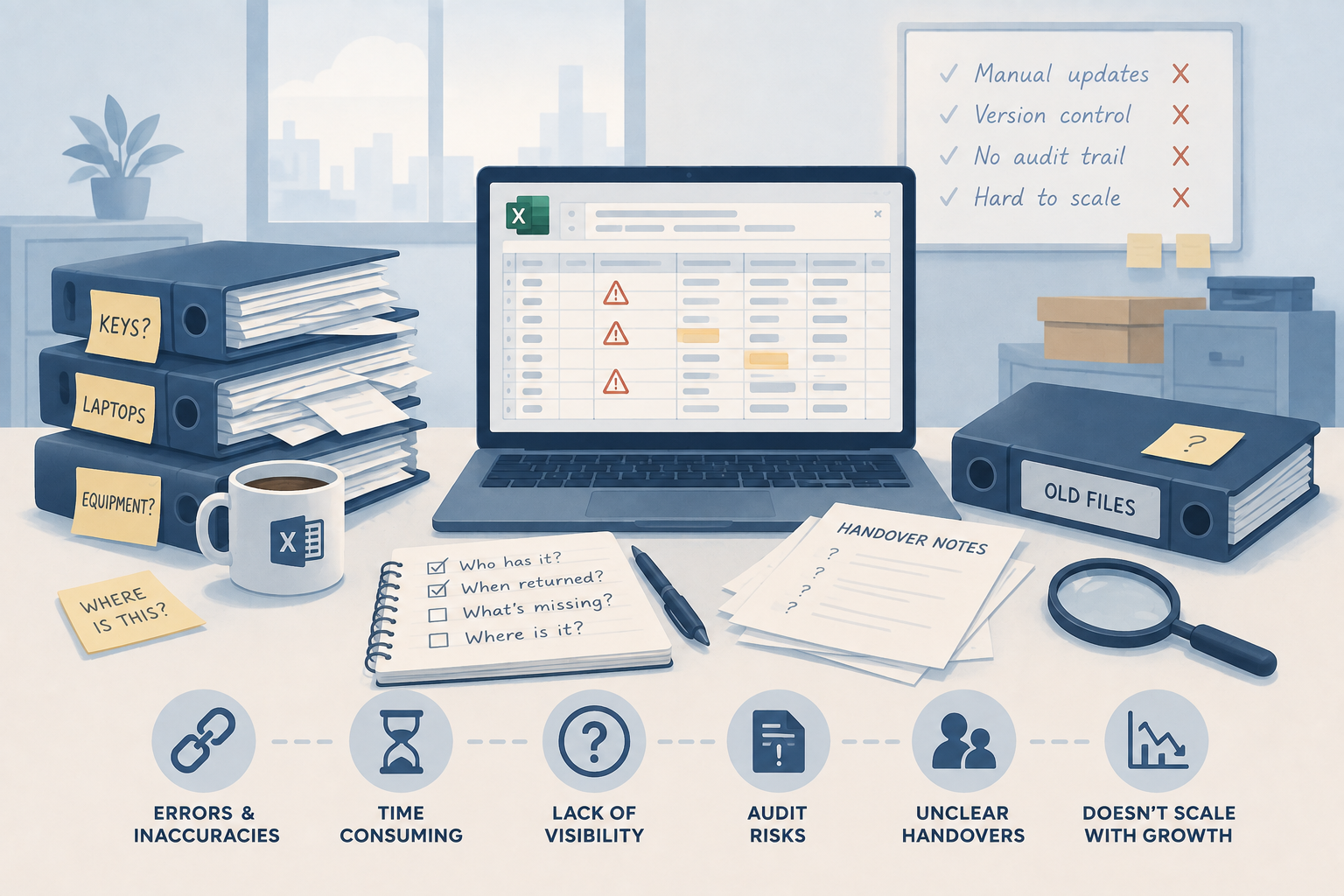
The Spreadsheet Is Lying to You: Why Manual Key and Asset Tracking Breaks Down
A spreadsheet feels free until it costs you an audit, a missing asset, or an unclear handover. Here's why manual tracking breaks down at scale, and wh...
Read articleSoftware inventory explained
Software inventory management keeps a record of the applications present across an organisation’s devices and services. IT teams use it to identify titles, versions, publishers and the devices associated with them. It serves a different purpose from counting physical stock or recording who has a laptop.
The short answer
Start with discovery coverage, reliable device identifiers and a clear record of when each application was last observed. Use separate purchase and entitlement evidence when assessing software licences. AssetControl Cloud supports physical equipment custody and device records; it does not provide installed-application discovery or licence reconciliation.
At a glance
Compare the approaches, then use the guidance below to decide what fits your operation.
| Decision factor | Question the record answers | Evidence or system to evaluate |
|---|---|---|
| Application inventory | Which software titles and versions have been observed on each device? | Discovery or endpoint inventory with an observation timestamp and supported device coverage. |
| Device identity | Which device does an application observation belong to? | A stable device identifier and a documented method for handling rebuilds, replacements and duplicates. |
| Software entitlement | What has the organisation purchased or been authorised to use? | Contracts, subscriptions and purchase evidence, assessed against the relevant licence terms. |
| Software use | Is an application or subscription being used? | Usage evidence from an appropriate source; an installation alone does not establish use. |
| Physical custody | Who currently holds the laptop or other equipment? | A physical asset record with issue, return, holder and location history. |
| Remediation | Who investigates a stale, unexpected or unsupported application record? | An agreed owner and a process for confirming the issue in the responsible endpoint or software management tool. |
A useful application record normally identifies the software name, publisher, version and associated device, together with when the information was collected. Where needed, record the installation scope and the data source. Keep the original evidence available when product names need to be standardised.
For example, several spelling or packaging variations may refer to the same product family. Agree how records are grouped without discarding the version or edition needed for investigation. A clean report should still allow the IT team to trace a result back to the device and observation that produced it.
An apparently comprehensive list can still omit unmanaged devices, systems that have not reported recently or applications outside the discovery method’s scope. Ask which operating systems, ownership types and installation contexts are supported, and how the report distinguishes stale data from a genuine absence.
Microsoft documents both app inventory and Discovered apps capabilities in Intune, with different collection requirements and coverage. Check the current documentation for the devices you manage. Availability of application inventory in Intune does not mean that every third-party connection to Intune imports that information.
Discovery tells you that an application was observed. Entitlement records describe what the organisation has purchased or is permitted to use. Licence assessment requires the relevant evidence and terms; counting installations alone does not establish whether an organisation is correctly licensed.
Likewise, installed software is not proof of regular use, and an assigned SaaS account is not the same as an application installed on a device. Keep these questions distinct when collecting requirements so the selected product can supply the evidence your software and purchasing teams actually need.
Build a representative test group: a recently enrolled device, an offline device, a rebuilt device and a machine with both user-scoped and device-scoped applications where relevant. Confirm what appears, when it appears and how changes or removal are represented. Ask the supplier to explain unsupported cases as well as successful discoveries.
Evaluate identity matching, access controls, reporting, export and integration ownership. If licence reconciliation or usage analysis is required, test those capabilities separately with suitable evidence. Ask who resolves conflicts between an endpoint report, a procurement record and a service desk entry.
Software records become more useful when the IT team can identify the physical device involved and the person responsible for investigating it. Use agreed device or serial identifiers to connect records, and decide which system owns each field. Avoid treating a recorded physical holder as proof of who used a particular application.
AssetControl Cloud’s Intune integration imports managed-device information into physical asset records and matches devices by serial number or Intune ID. The implemented connection does not import installed application inventories. Use your endpoint inventory or a dedicated software platform for that requirement, and AssetControl for the equipment handover, return and servicing workflow.
Assign an owner for exceptions, agree when an observation becomes stale and review a small set of unresolved records regularly. Include device rebuilds, leavers, replacements and retired systems in the process so obsolete observations do not remain indefinitely in operational reports.
Begin with one managed device group and a clear question, such as identifying the versions reported for a particular application. Reconcile a sample manually, record limitations and expand once the team trusts the process. Extend into licence or subscription management only when the necessary purchasing evidence and ownership are in place.
A few useful answers
Clear answers to help you choose the right approach for your team.
From the blog