Asset tracking for healthcare and care settings
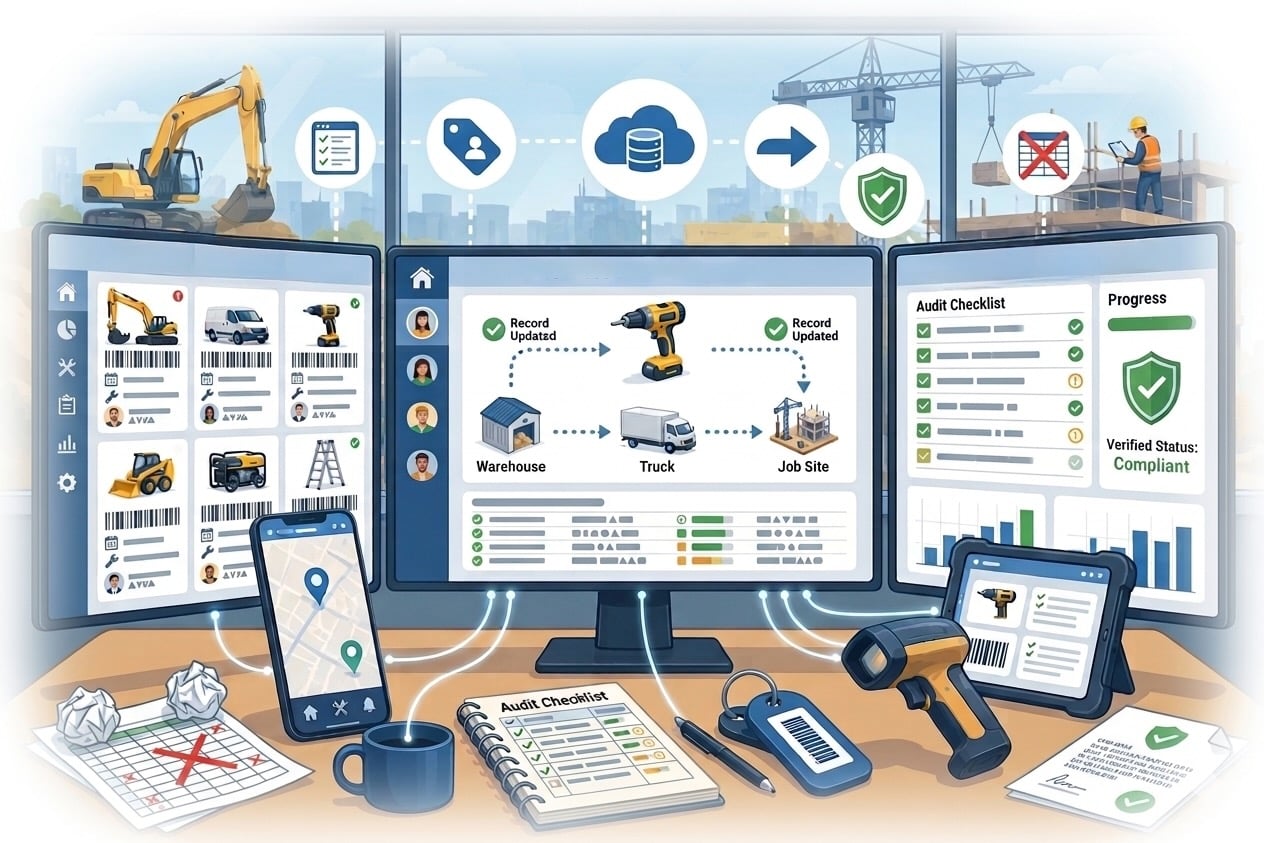
Healthcare settings manage huge amounts of equipment under intense time pressure. Here's why manual tracking doesn't hold up, and what a better system...
Read articleAsset management explained
Asset management connects the equipment an organisation owns with the work it needs to do. It covers decisions about acquiring, identifying, using, maintaining and retiring assets. This guide focuses on physical equipment, workplace devices and keys, with practical examples for the people responsible for them.
The short answer
Start with a clear purpose, an accountable owner and an accurate record for each important item. Keep that record current as equipment moves, changes condition or reaches the end of its useful life. An asset register provides the foundation; a working management process also needs reliable handovers, maintenance decisions and follow-up on exceptions.
At a glance
Compare the approaches, then use the guidance below to decide what fits your operation.
| Decision factor | What to record or decide | A practical example |
|---|---|---|
| Plan and acquire | Why the asset is needed, who approves it and who will own its record. | Check whether an available spare laptop can meet a request before buying another. |
| Identify and receive | An asset ID, description, serial number where relevant, condition and home location. | Label a new inspection kit and confirm its contents before it enters the equipment store. |
| Use and hand over | The current holder, recorded location, availability and expected return rule. | Record a contractor collecting a building key and confirm the handover when it returns. |
| Maintain and review | Service requirements, repairs, supporting documents and decisions about availability. | Keep an item awaiting repair separate from equipment available for issue. |
| Recover and retire | Return evidence, the reason for retirement and the system responsible for disposal records. | Recover a leaver’s laptop and hand it to IT for the required data-removal process. |
An asset is something the organisation uses to achieve an outcome. For an operational team, that might be a vehicle key, a laptop, a power tool or a shared test instrument. Managing it means deciding how it should be used and cared for throughout the period it supports the organisation.
A useful starting question is: what happens if this item is unavailable, unaccounted for or unsafe to use? The answer helps decide how much control it needs. A shared access key may require a named holder for every handover, while a low-risk item used in one room may need a simpler location and condition record.
A register gives each item a consistent identity. Start with an internal asset ID, name, category, serial number if one exists, home location, responsible team and current status. Add purchase, warranty, condition or servicing information when it supports a real decision.
Keep the home location separate from the current holder. A projector can belong to the main office while being checked out to a colleague at another site. If a single location cell is overwritten on every move, the team loses the distinction between where the item belongs and who currently has it.
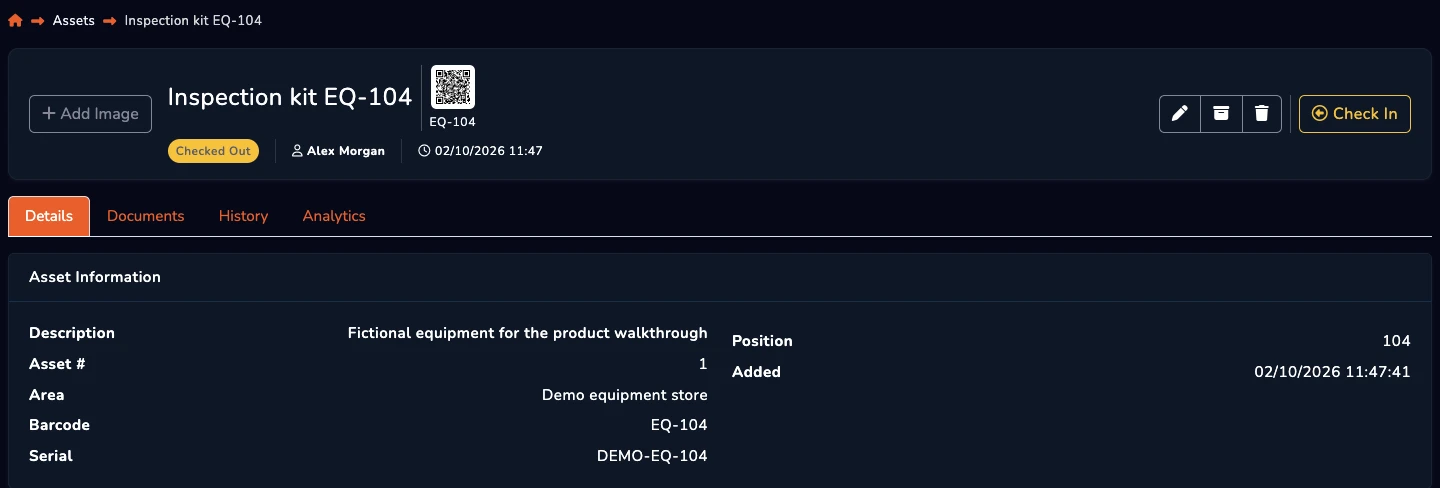
Consider an inspection kit shared between facilities staff. On receipt, the coordinator checks its contents, records its serial number and assigns a home store. At issue, the team records the colleague taking responsibility. On return, staff confirm that the kit and its accessories are back and record any damage requiring attention.
If the kit is awaiting repair, its status should prevent colleagues from assuming it is available. The service record and subsequent return to use complete the operational story. This example is a process to test with your team, not a claim that a dashboard can inspect equipment or decide whether it is safe.
Useful measures include the proportion of records with an assigned owner, items with an unknown holder, overdue returns and unresolved differences found during checks. Record the definition and denominator for each measure so results remain comparable as the register grows.
Use exceptions to improve the workflow. Repeated missing return records may mean the store is hard to access after hours. Frequent duplicate records may mean purchasing and receiving teams use different naming conventions. Investigate the cause before treating the report as proof that individual staff are careless.
A spreadsheet can support a small register with one owner and infrequent changes. A shared system becomes useful when several people issue equipment, assets move between sites or managers need a retained history of handovers and servicing activity. Test whether the daily update is quick enough for staff to complete at the point of work.
AssetControl Cloud supports physical asset records, recorded holders, checkouts, returns, locations, servicing records and activity history. Its stock inventory module covers quantity-based items. Accounting depreciation, installed-application discovery and software licence reconciliation require their own evaluation; a physical equipment record does not establish those capabilities.
Choose one equipment store or department. In the first week, agree the scope, owners and identifiers and clean the starting records. In the second, label a representative set of items and test receiving, issuing and returning them with the people who do the work.
Use the remaining weeks to investigate mismatches, test a damaged item and an overdue return, and confirm who follows up. Agree a routine for physical checks before extending the process. A smaller register that people maintain consistently is a better foundation than an extensive import with unclear ownership.
A few useful answers
Clear answers to help you choose the right approach for your team.
From the blog